



From today's entry to next month's plan
Everyday tracking is free, with no time limit. AI comes in Pro, for people who want the diagnosis and someone to ask.
1.
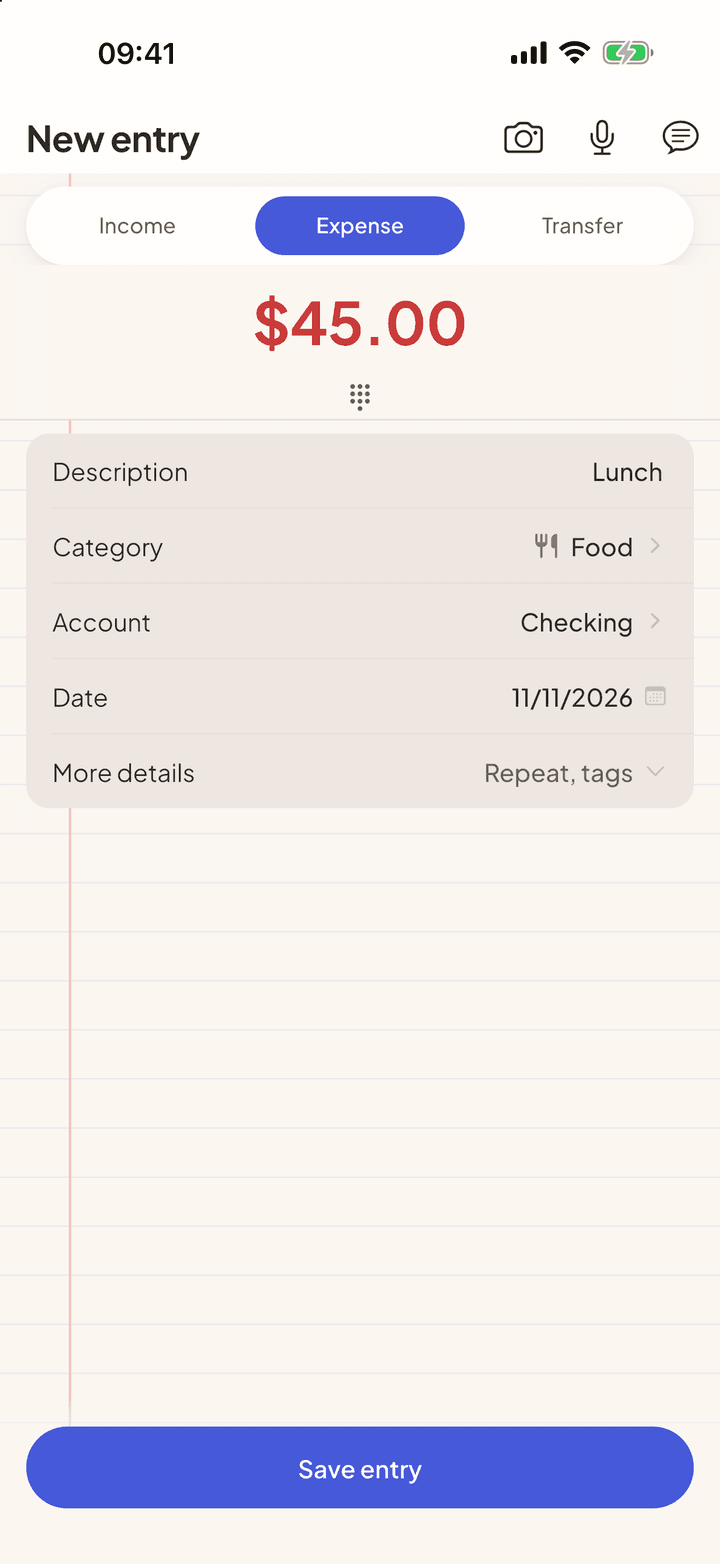
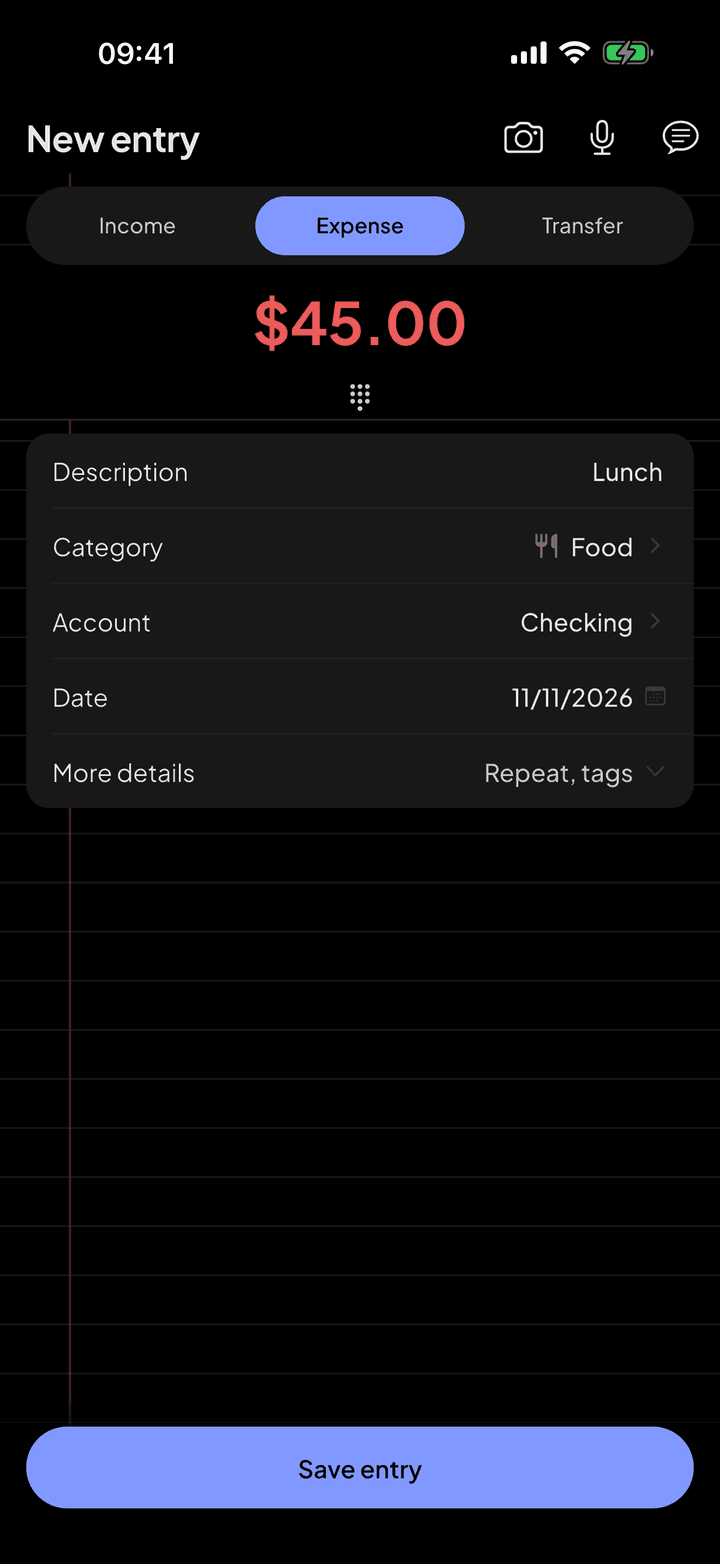
Log by photo, text and voice
Instead of filling in amount, date, category and account, you just say what happened. The app understands the sentence, fills in the form and waits for you to check it before saving.
Photo and text are free. Voice is Pro, $3.99 a month, with a 7-day free trial
2.
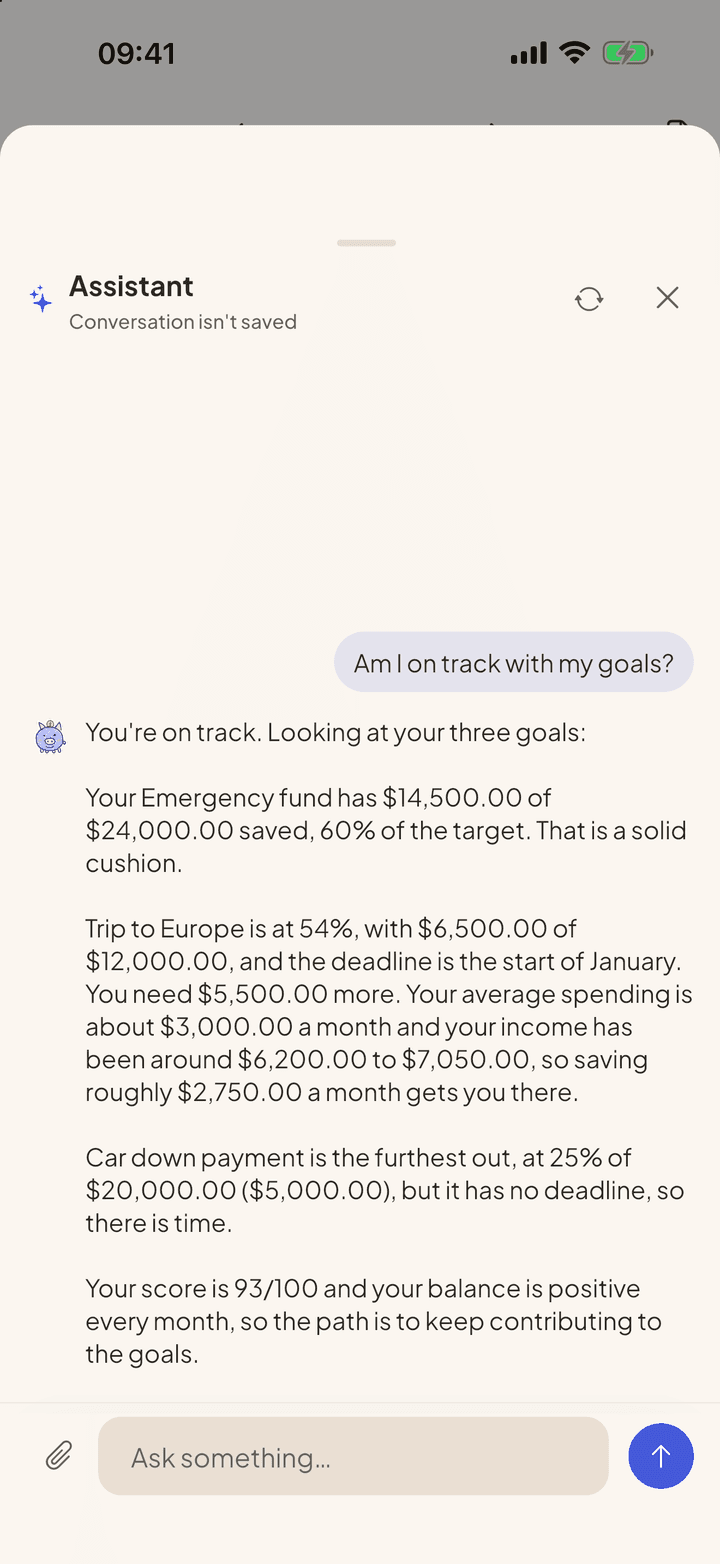
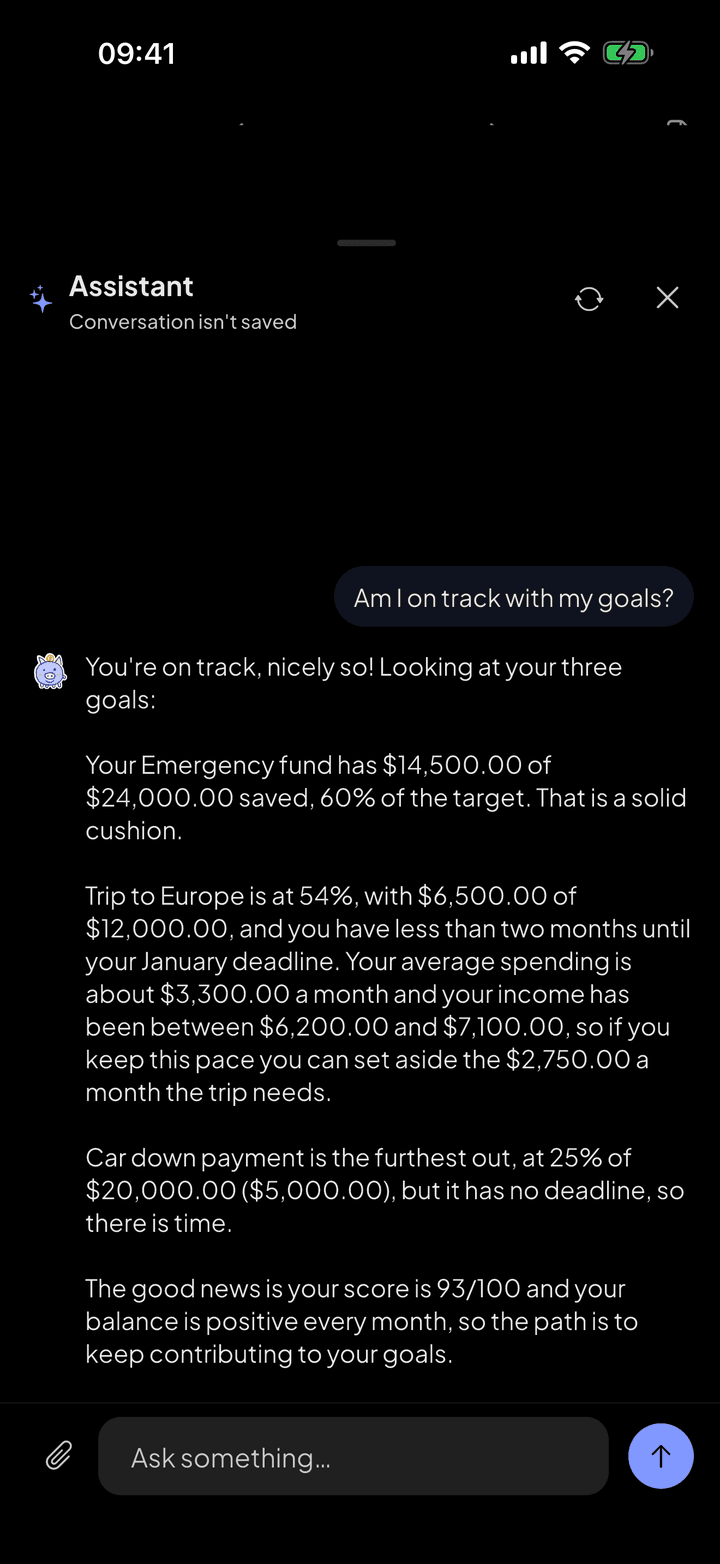
AI assistant
Ask it your way, like you'd ask someone you trust. The assistant looks at what's in the app and answers with the figures from your month, without making up data and without trying to sell you anything.
Pro, $3.99 a month, with a 7-day free trial
3.
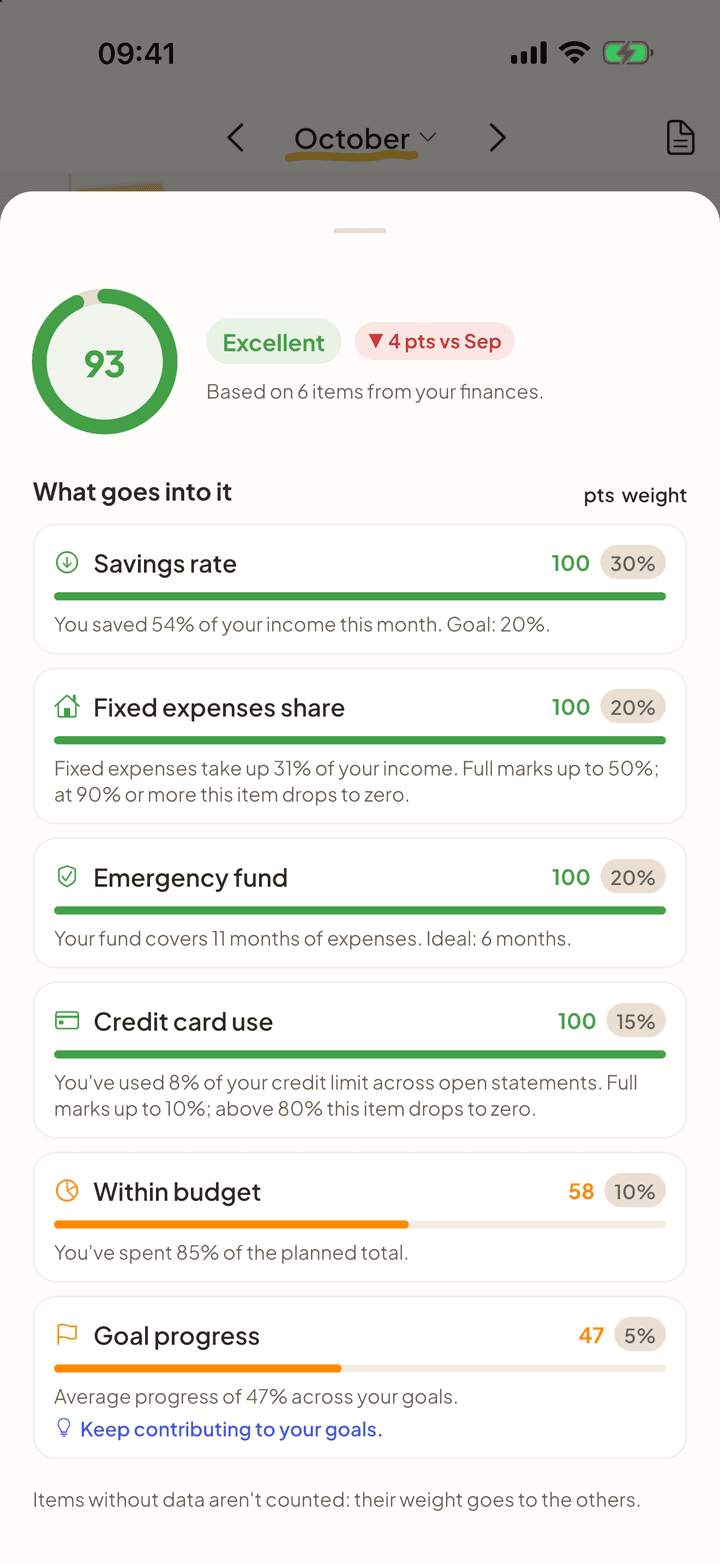
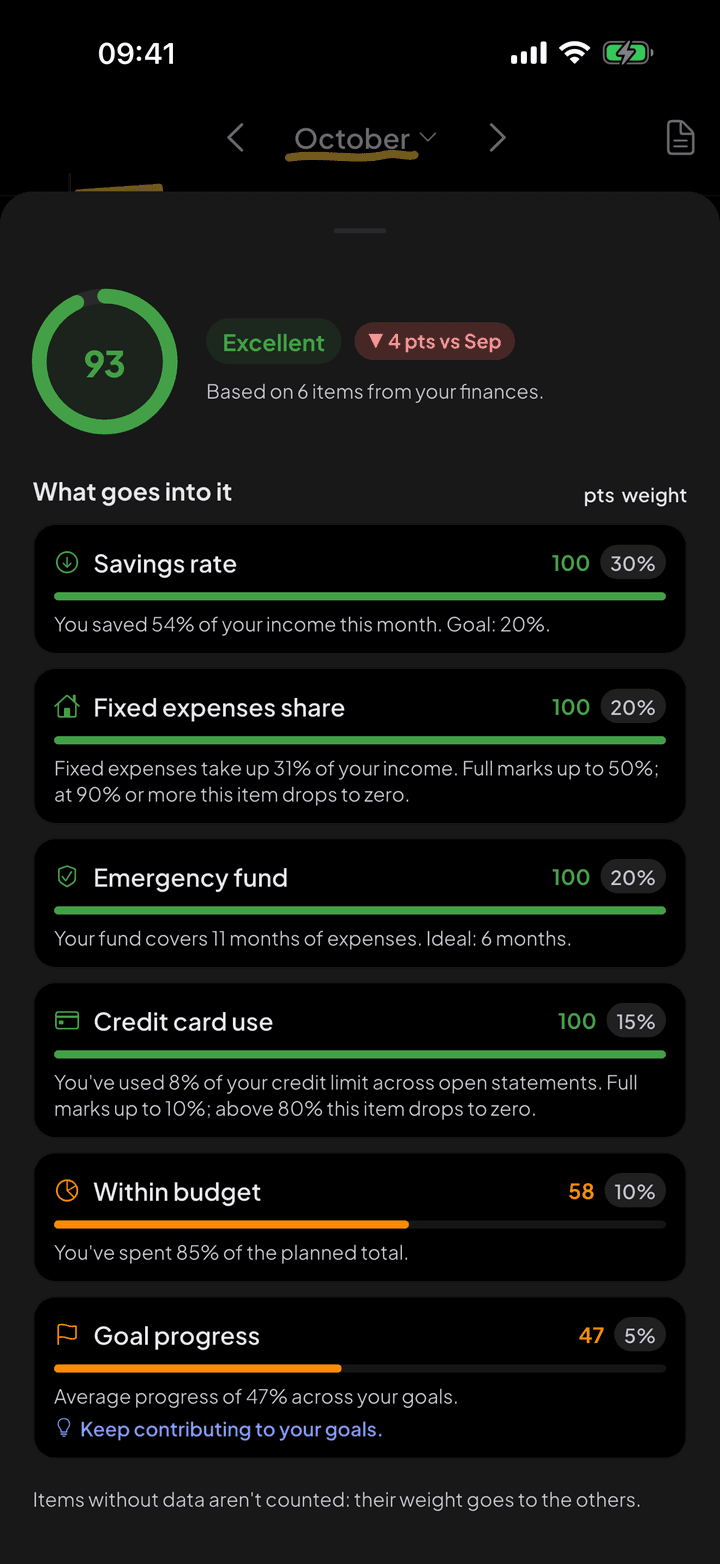
Financial Health Score
The Financial Health Score sums up the month in one number and shows where it comes from. It is calculated on your iPhone, with no AI, using fixed rules you can check.
Free. The item-by-item breakdown is Pro
4.
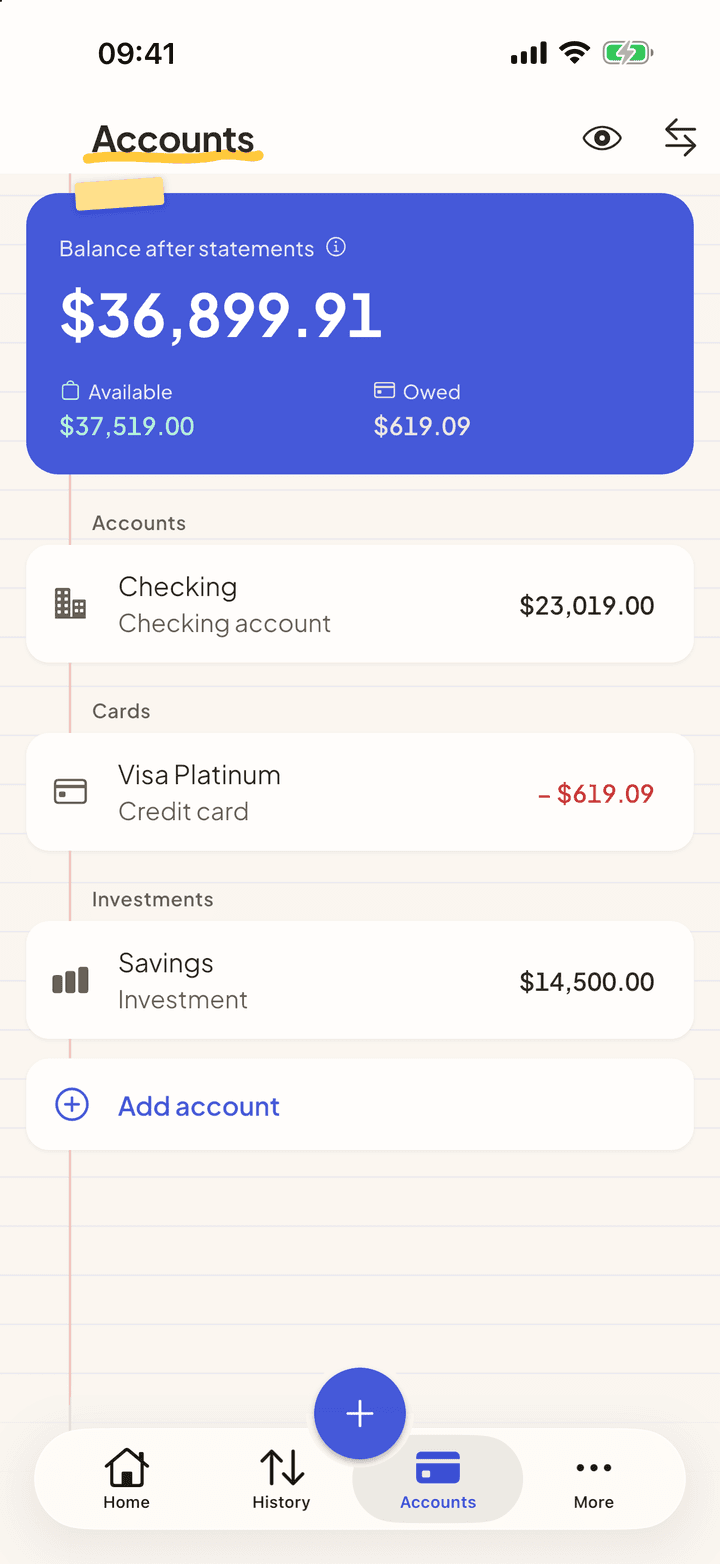
Credit card and statement
Set the credit limit, the closing day and the due day. From then on, every purchase lands on the right statement, and installments show up in every month still to come.
Free. Reading a PDF statement is Pro
5.
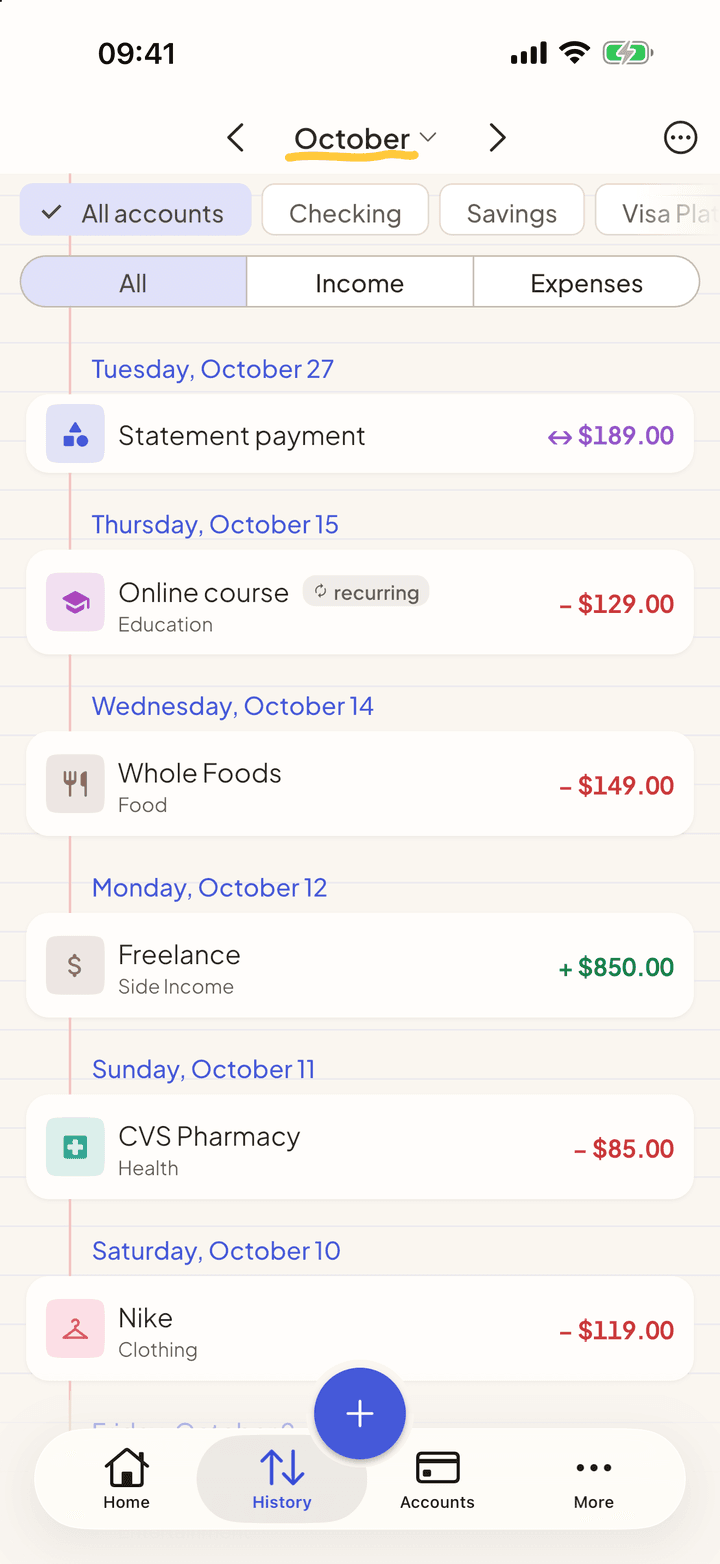
Import statements
Download the activity file from your bank and open it in My Two Cents. The entries arrive categorized, you review them and confirm.
CSV, OFX and QFX are free. PDF with AI is Pro
6.
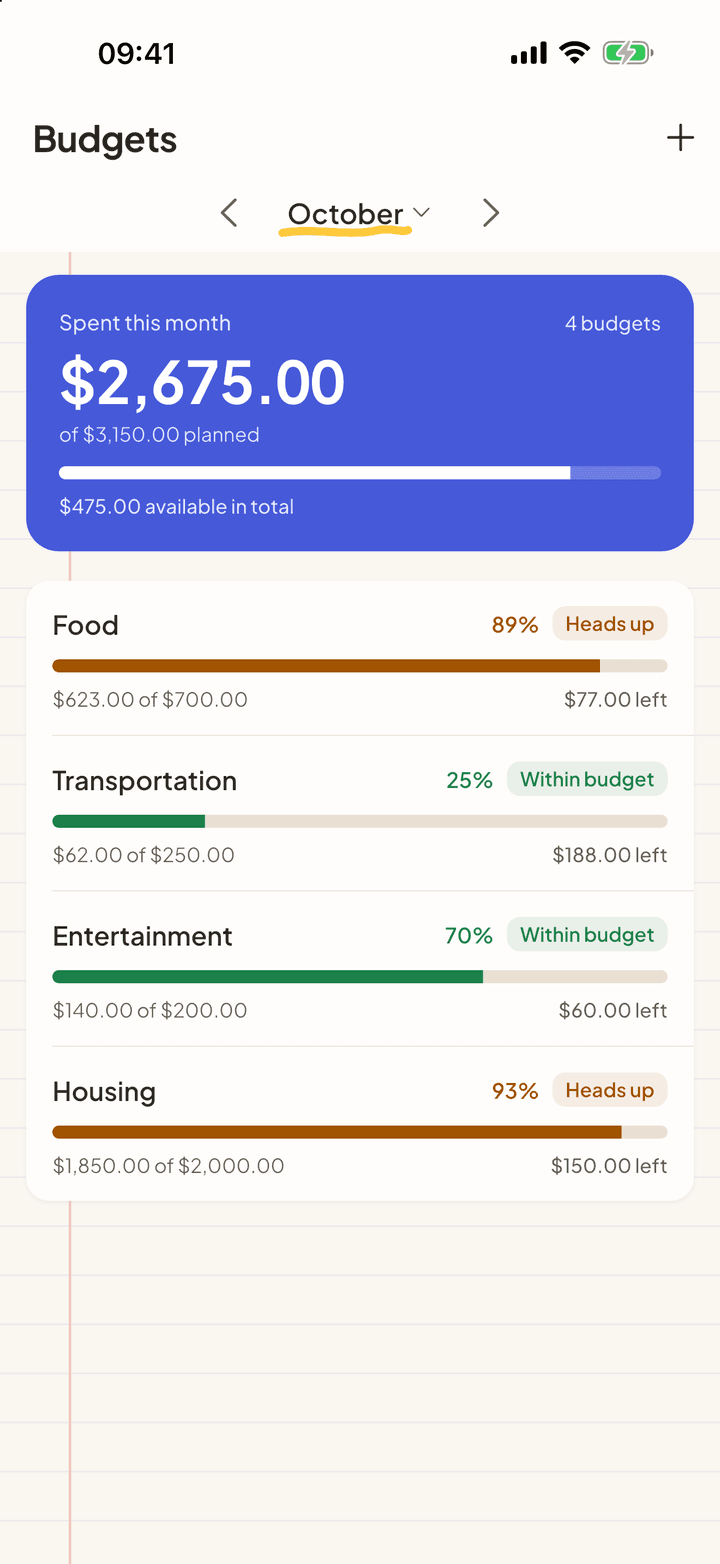
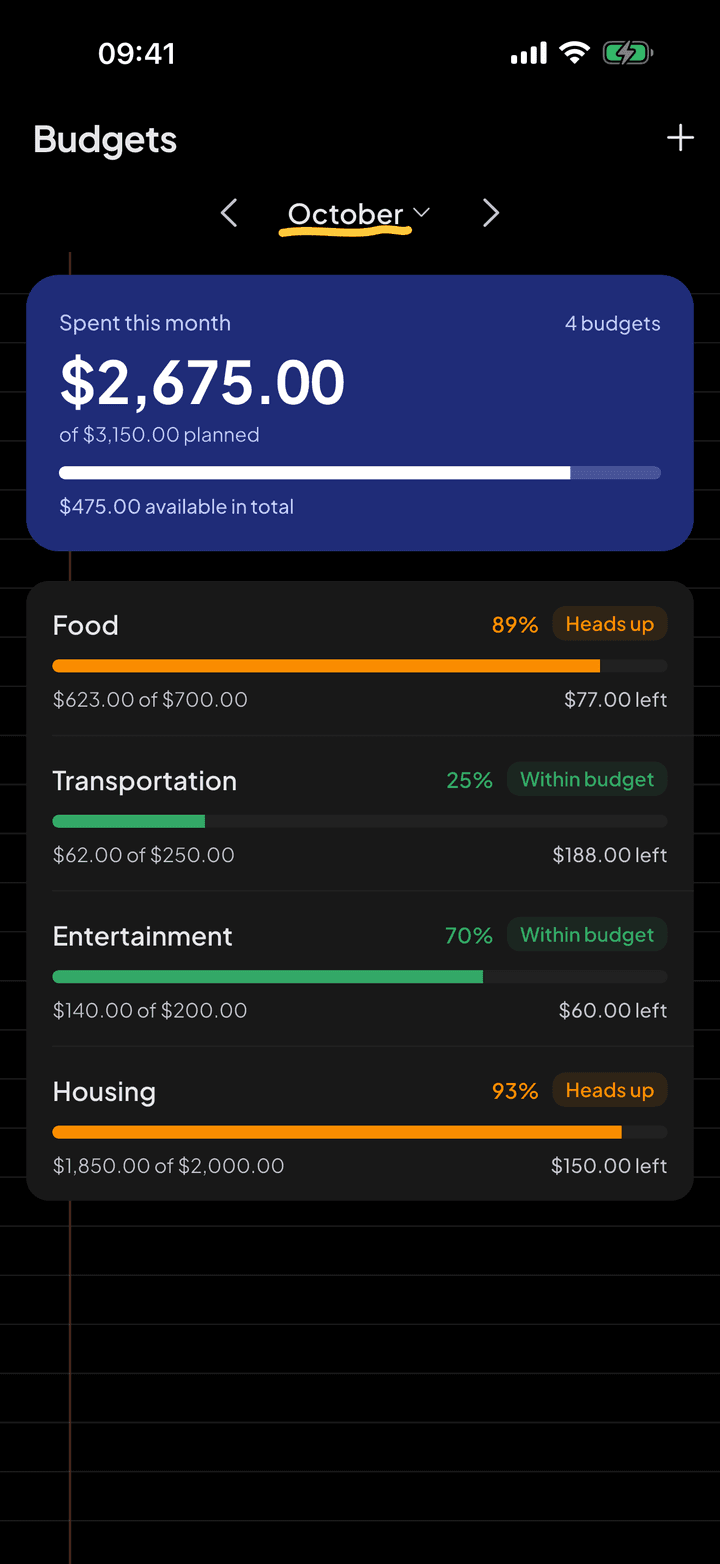
Budgets and goals
Say how much you want to spend in each category and how much you want to save for each goal. The app tracks both and warns you before you go off plan.
Free with up to 3 budgets and 3 goals. Unlimited in Pro
7.
Your data, protected
A money app knows a lot about you. That is why My Two Cents works without an account, never asks for a bank login and explains, before every upload, what leaves your device.
Free
And more
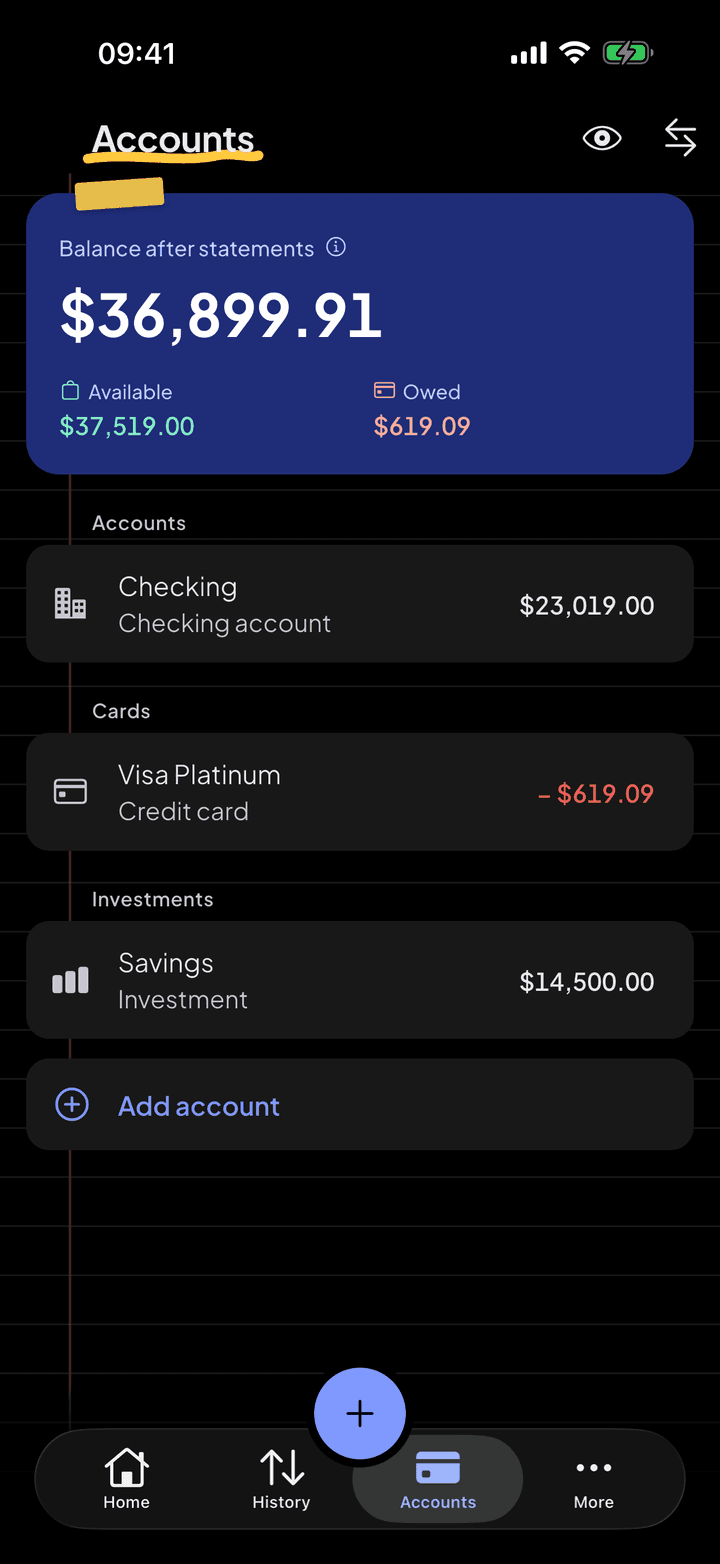
- Accounts and transfers
- Checking, wallet, savings and investments, with a calculated balance and a history of how it evolves.
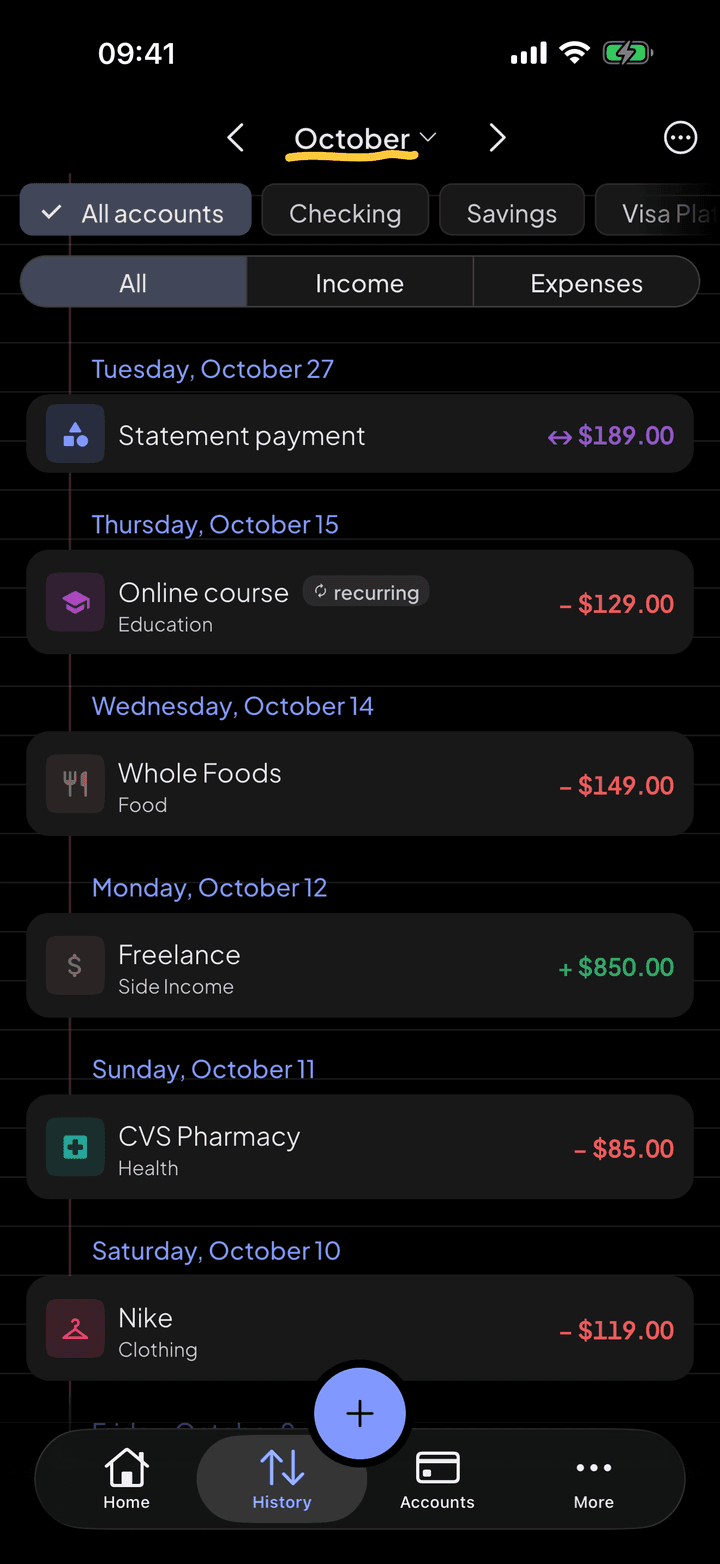
- Recurring entries
- Rent and subscriptions repeat on their own. An edit can apply to just this one, or to this and the following ones.
- Paid or to pay
- A scheduled entry is a reminder. It only hits the balance when you mark it as paid.
- To-dos
- What is overdue and what is due in the next 30 days, on a single screen.
- Reports
- By period, account and category, with month-to-month comparison and charts.
- Reminders
- Bills to pay, statement due dates and a projected balance going negative, even with the app closed.
- Widgets
- Your balance and the month's spending on the iPhone home screen.



Start with the next purchase.
Free on iPhone and Android. Pro is $3.99 a month, with a 7-day free trial.


Point your iPhone camera here.
Point your Android camera here.