
Say it, type it or snap it. The entry comes filled in
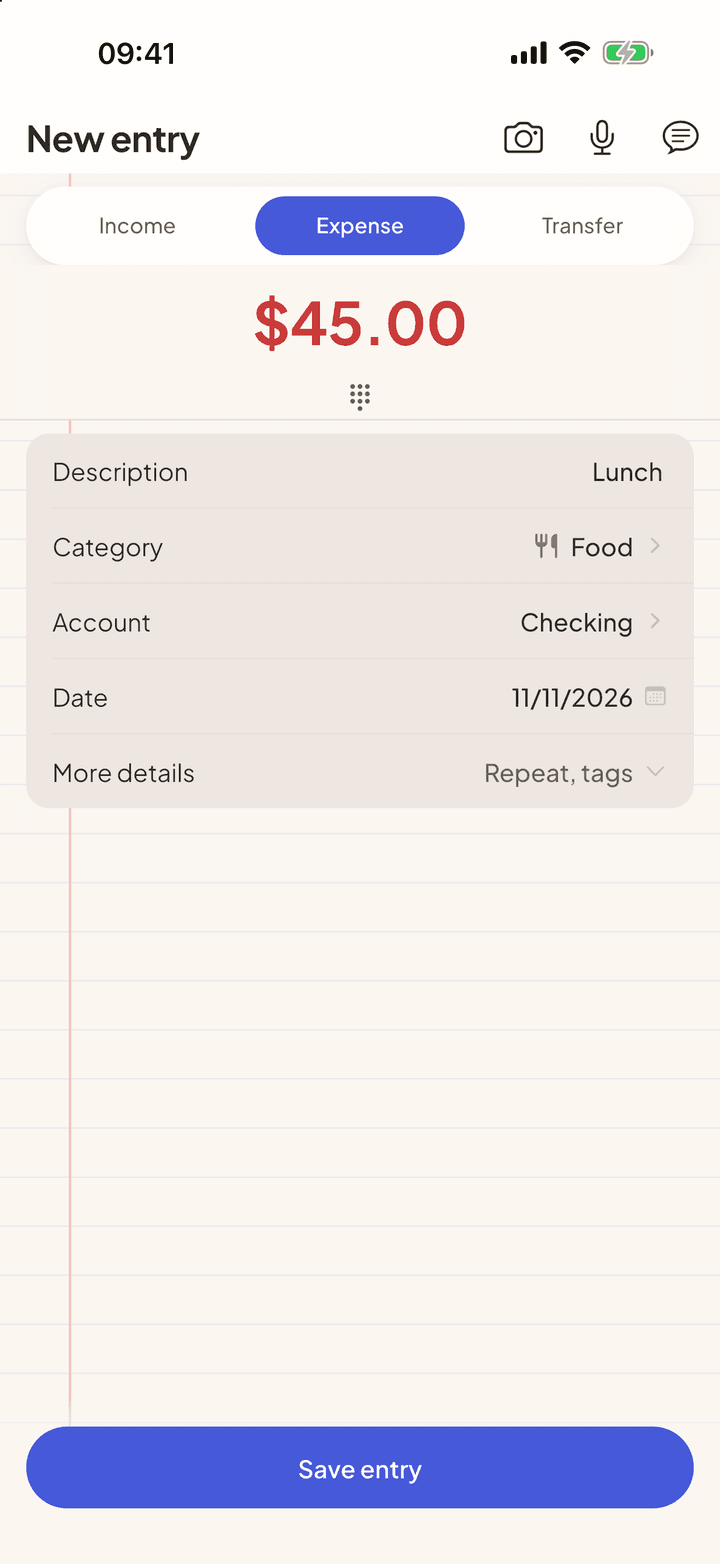
Instead of filling in amount, date, category and account, you just say what happened. The app understands the sentence, fills in the form and waits for you to check it before saving.
Photo and text are free. Voice is Pro, $3.99 a month, with a 7-day free trial


Three ways, the same result
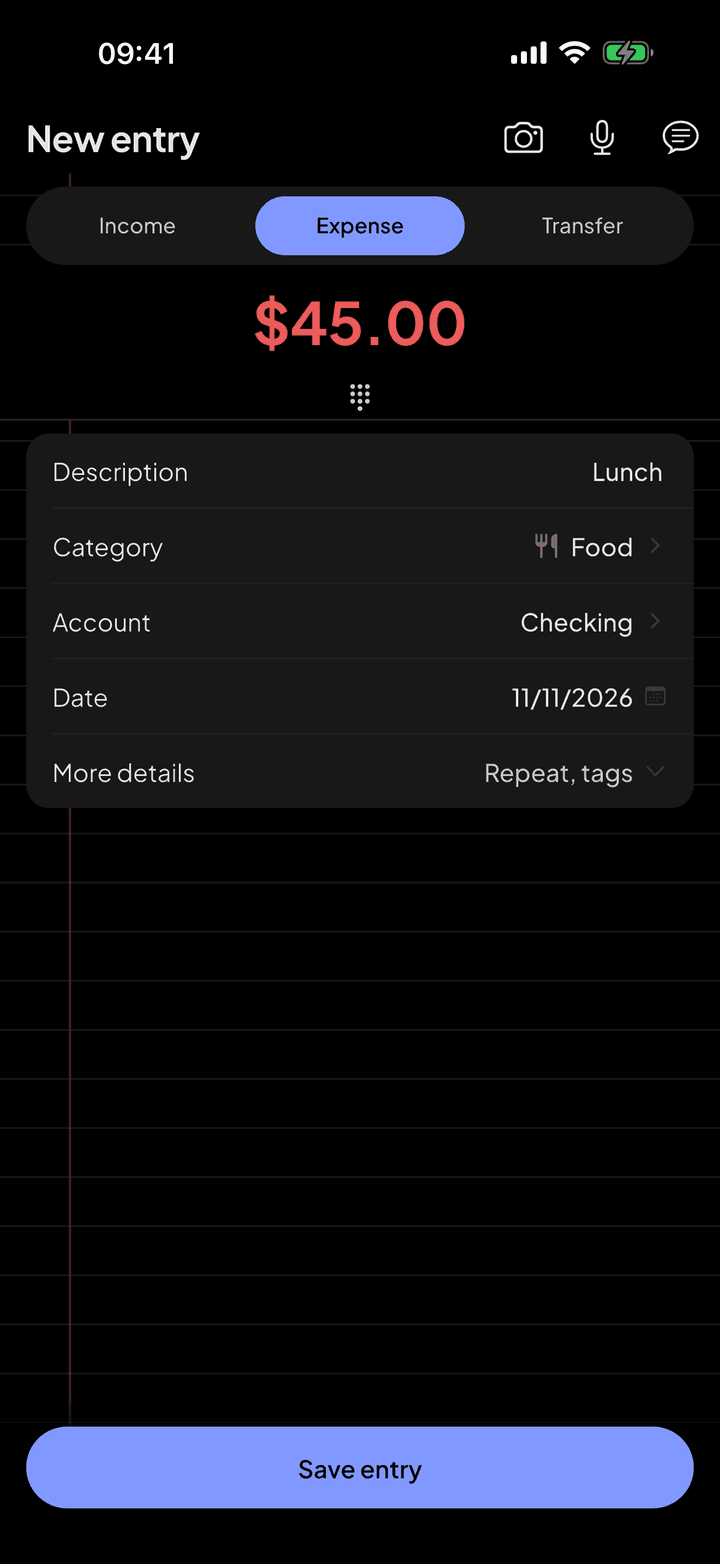
All of them end on the new entry screen, already filled in. Nothing is saved until you tap Save entry.
- Photo: take a picture of a receipt or proof of payment, or pick one from your library. Free.
- Text: type a sentence, like "uber 18" or "paid 90 for internet". Free.
- Voice: say the same sentence, from inside the app, from the widget or with the iPhone Action Button. Pro.
What the app understands
Everyday speech, not commands. A few examples that work:
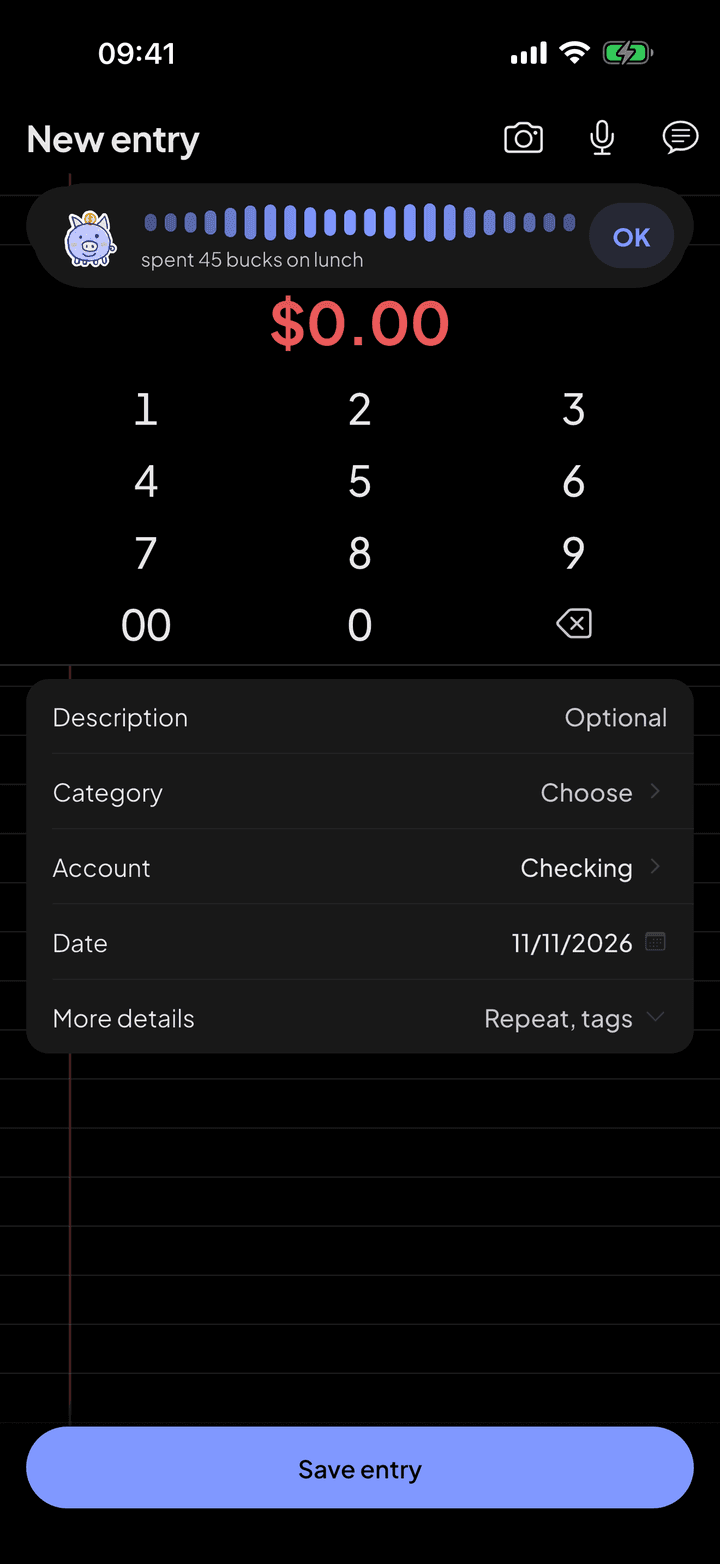
- Spoken amounts: "a hundred and twenty dollars", "45 bucks", "half a grand"
- Income or expense: "got paid 2000" and "received 300 from John" come in as income
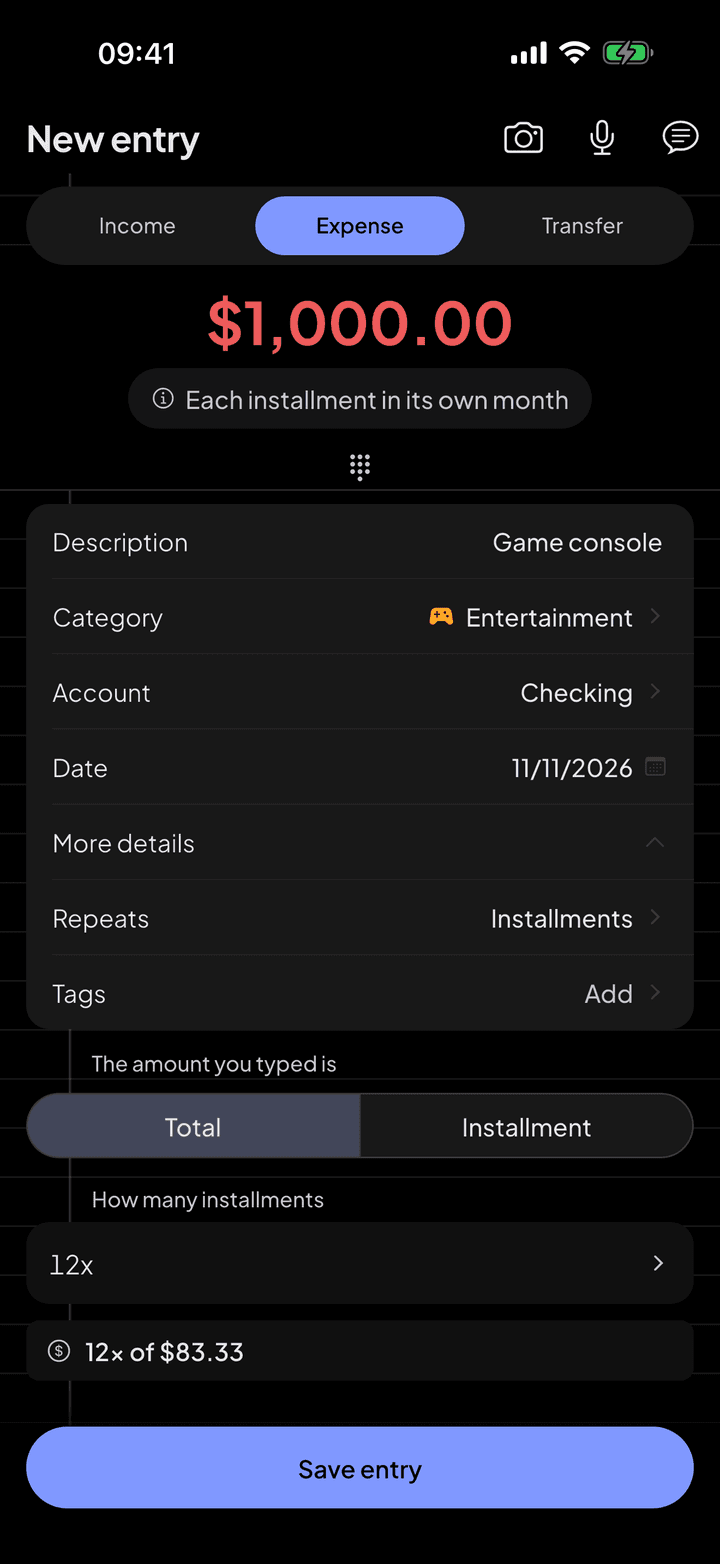
- Installments: "bought a couch for 900 split in 4"
- Dates: "yesterday", "the 20th", "Friday". A date in the future is added as a to-do (pending)
- Accounts: "uber 18 on my credit card"
- Repeats: "rent 1,200 every month" turns on a recurring expense
On screen
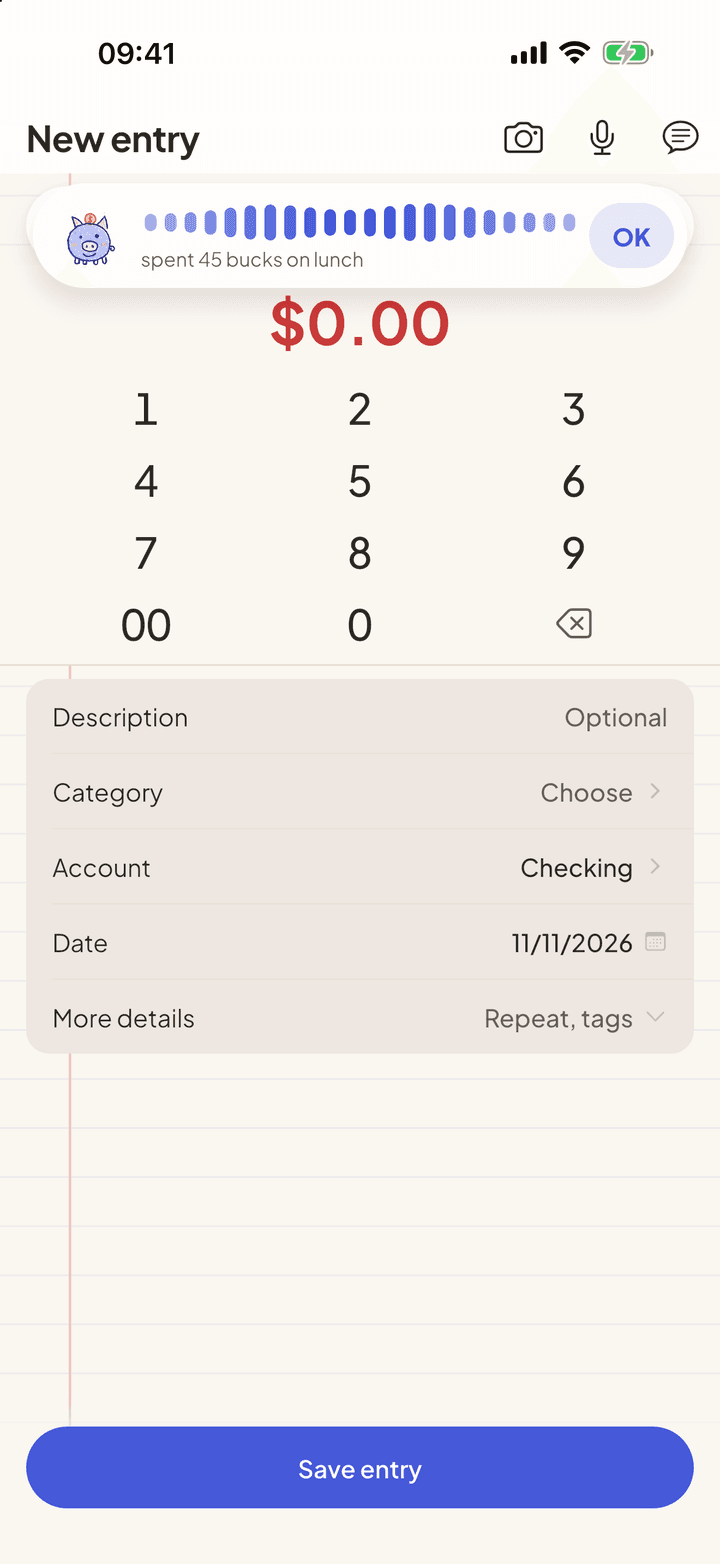
Tap the microphone and talk. The panel closes by itself when you stop.
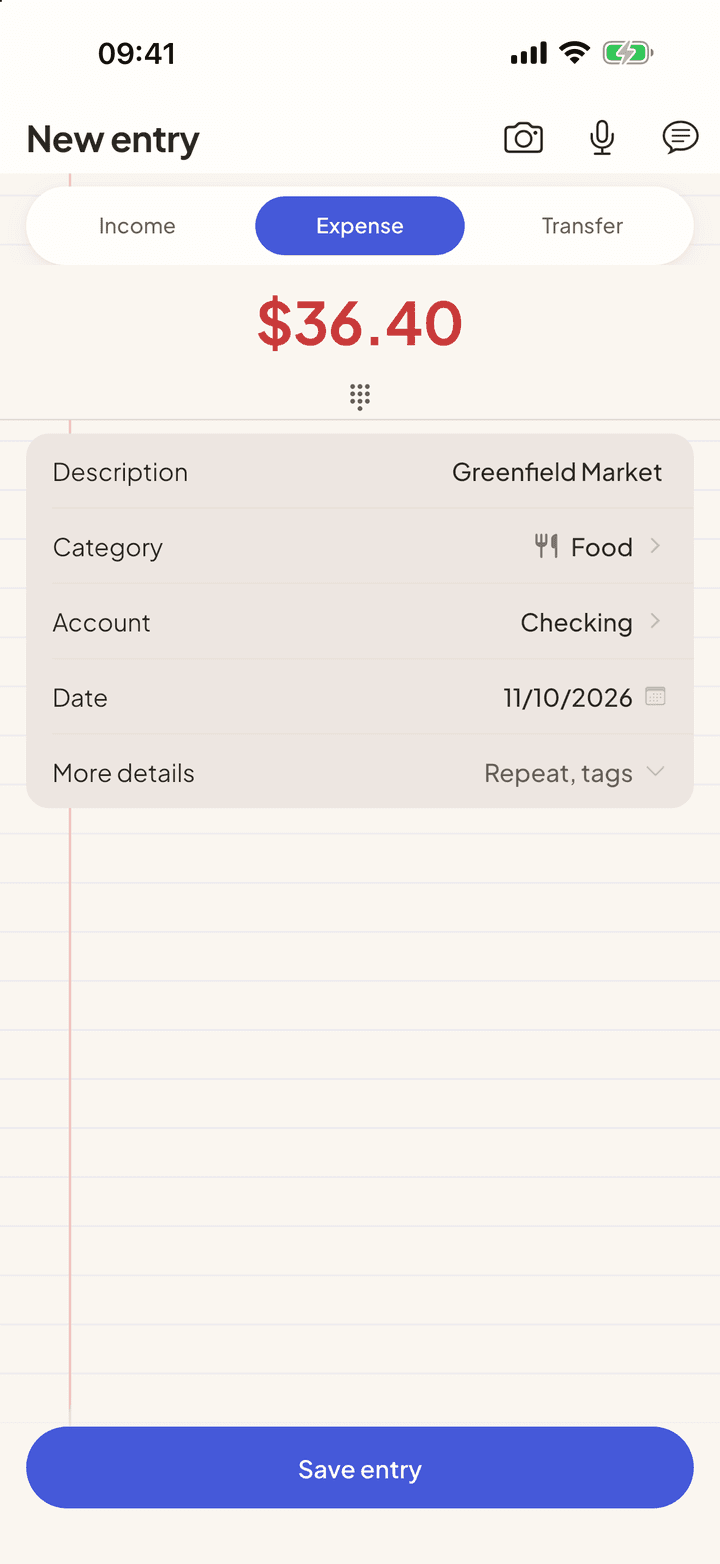
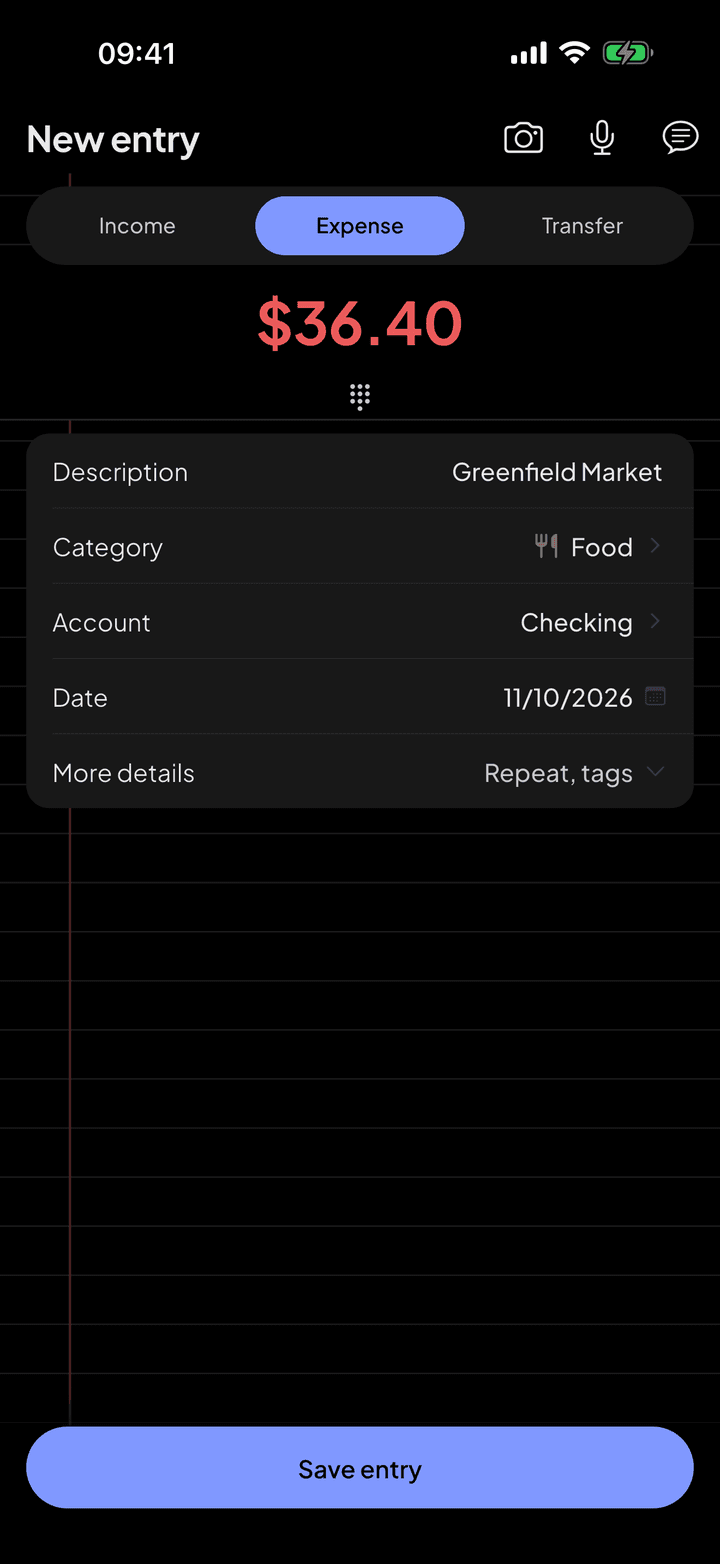
The receipt photo becomes an amount, a date and a store.
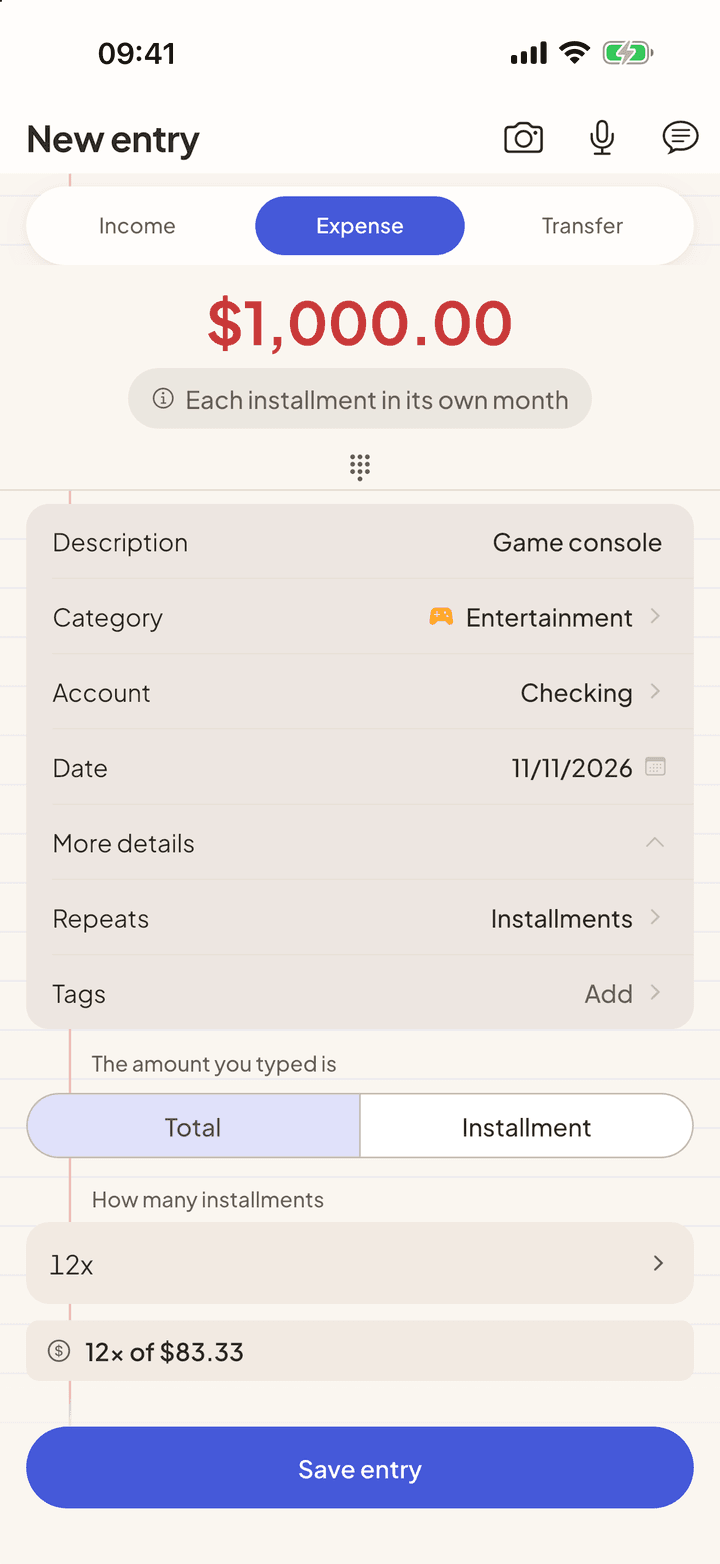
Installments too: "game console 1000 in 12 installments".
Categories without the effort
The category comes from the subject ("uber" goes to Transportation) and from what you logged before. If you created a rule for Chipotle, it applies here too.
Everything is read on your iPhone
The text of a receipt photo is read on the device and the photo is not sent to anyone. For voice, speech recognition is done by the iPhone's system, which uses the device itself when it can, and the app does not record or send the audio. The sentence is interpreted on the device, with no AI and no per-use cost.
When reading is not enough
If a photo comes out crooked or the receipt is hard to read, the app shows what it managed to read and, in Pro, offers "Improve with AI". Only then does the image go to the AI, and only with your permission.
Questions
Why is voice Pro and text is not?
Both work the same way, on the device. Voice is a convenience on top, and it stays in Pro to keep the app going. If you prefer, type the sentence for free.
What if it understands it wrong?
The form opens filled in and you fix whatever you need before saving. If the amount is missing, the app tells you and changes nothing.
Can I say several expenses at once?
Yes. The app lists what it understood and you pick which one to review first.
Does it work offline?
Photo and text do, because they are read on the device. Voice uses the iPhone's speech recognition, which on some devices needs a connection.
See also
Import statements
Download the activity file from your bank and open it in My Two Cents. The entries arrive categorized, you review them and confirm.
AI assistant
Ask it your way, like you'd ask someone you trust. The assistant looks at what's in the app and answers with the figures from your month, without making up data and without trying to sell you anything.
Your data, protected
A money app knows a lot about you. That is why My Two Cents works without an account, never asks for a bank login and explains, before every upload, what leaves your device.



Start with the next purchase.
Free on iPhone and Android. Pro is $3.99 a month, with a 7-day free trial.
Point your iPhone camera here.
Point your Android camera here.