
Import the month instead of typing the month
Download the activity file from your bank and open it in My Two Cents. The entries arrive categorized, you review them and confirm.
CSV, OFX and QFX are free. PDF with AI is Pro


Formats
The file your bank exports, with no need to touch it. Dates are read the US way (month first).
- CSV, OFX or QFX: read on your iPhone itself, with nothing sent to a server. Free.
- Statement in PDF: AI separates every entry and every installment. Pro.
Nothing comes in without you seeing it
Before saving, a review screen shows everything that is about to come in. You can edit, change the category or discard an entry. What already exists in the app is marked as a duplicate, so importing the same statement twice does not double anything.
On screen
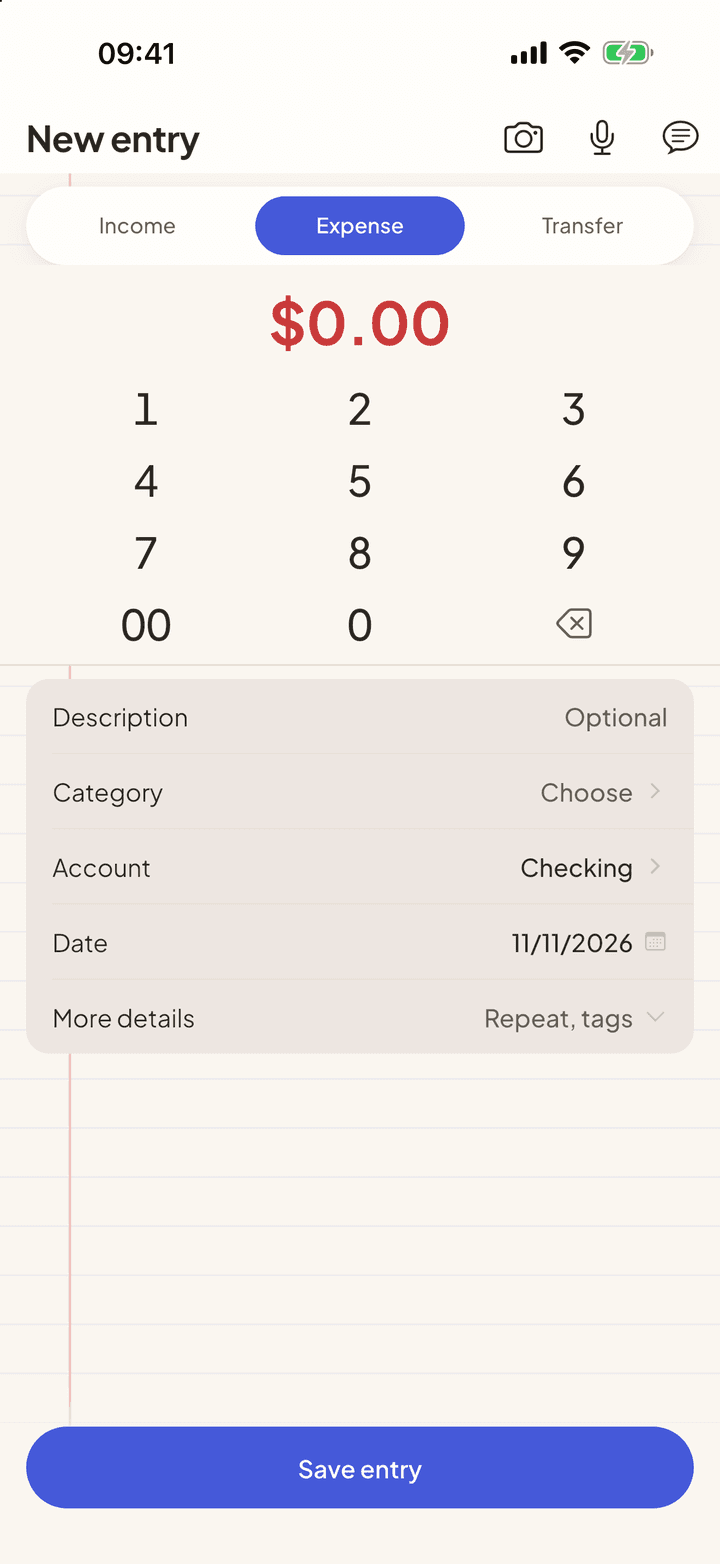
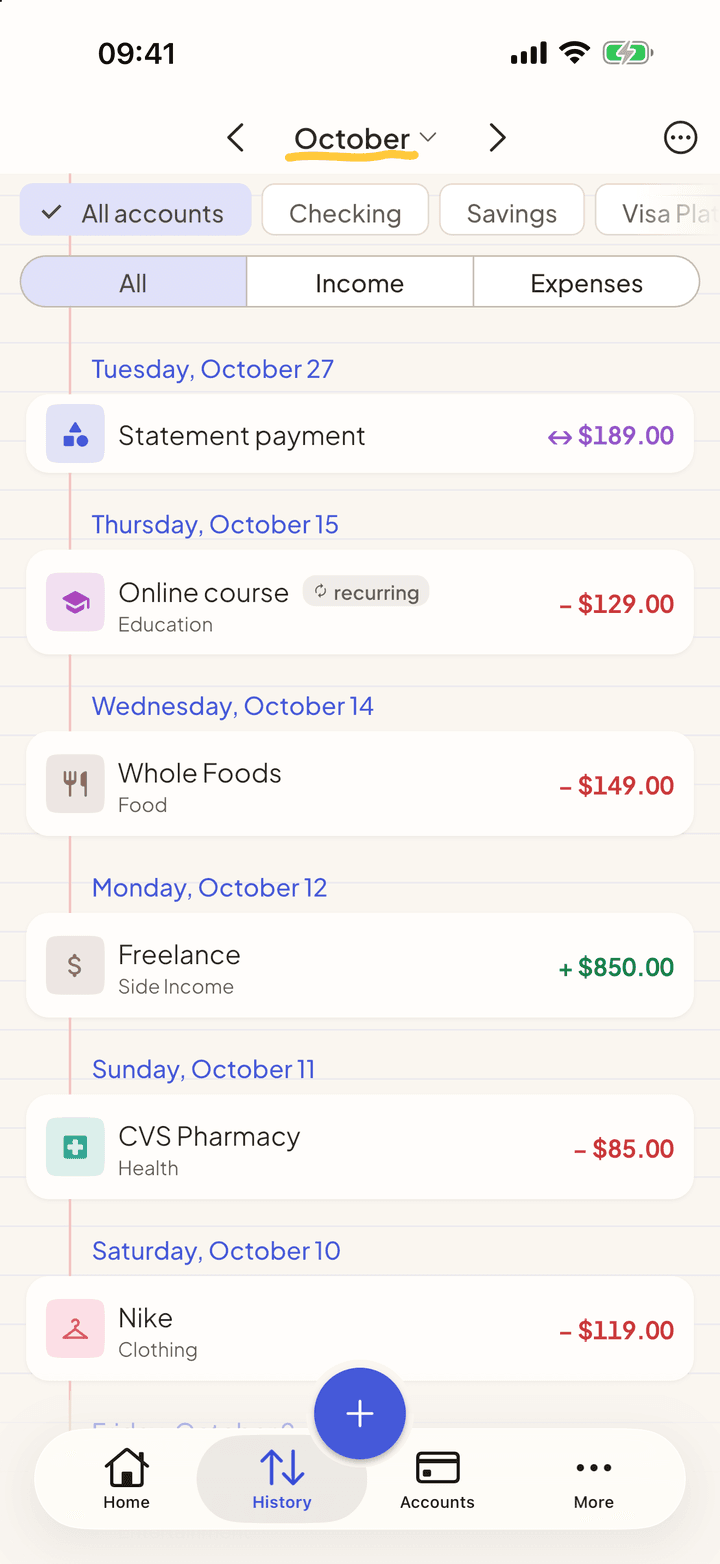
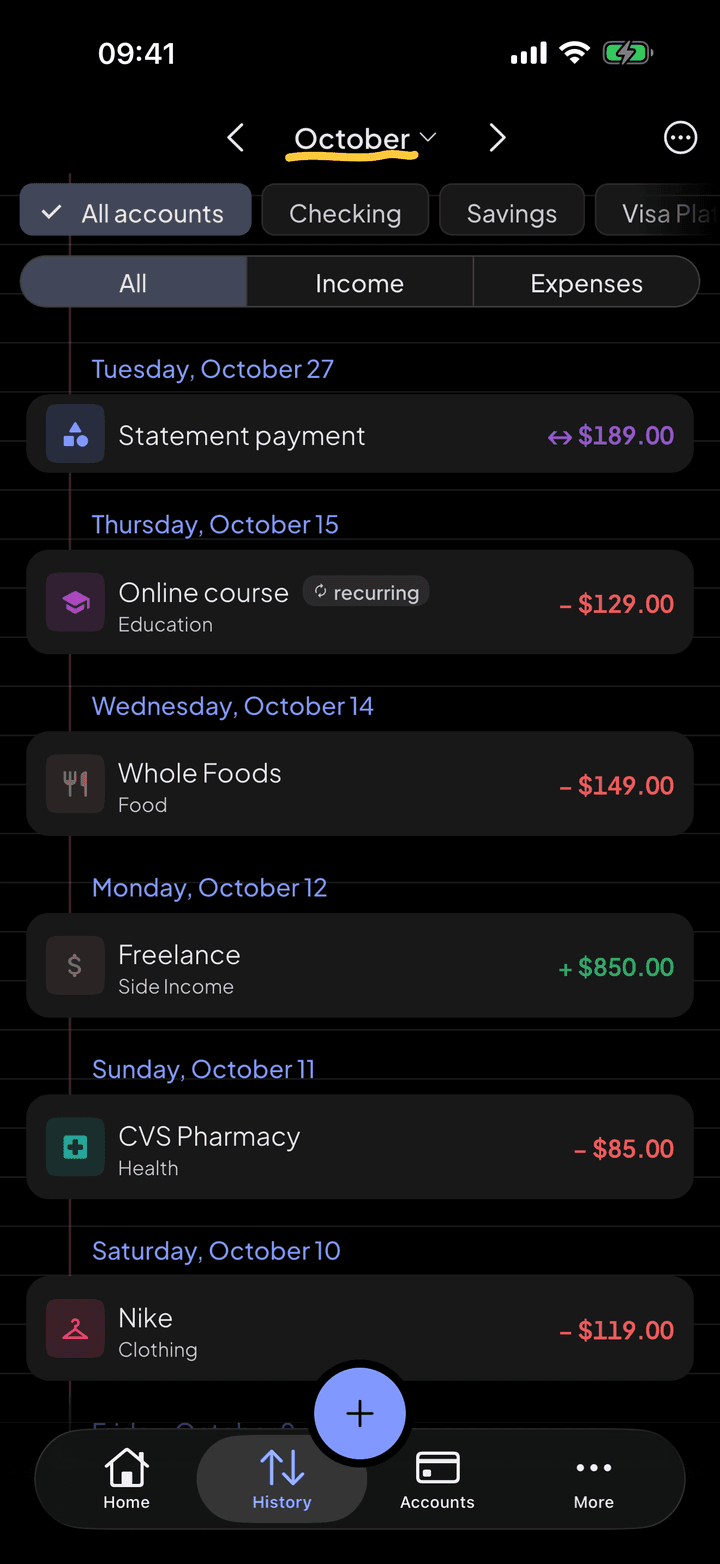
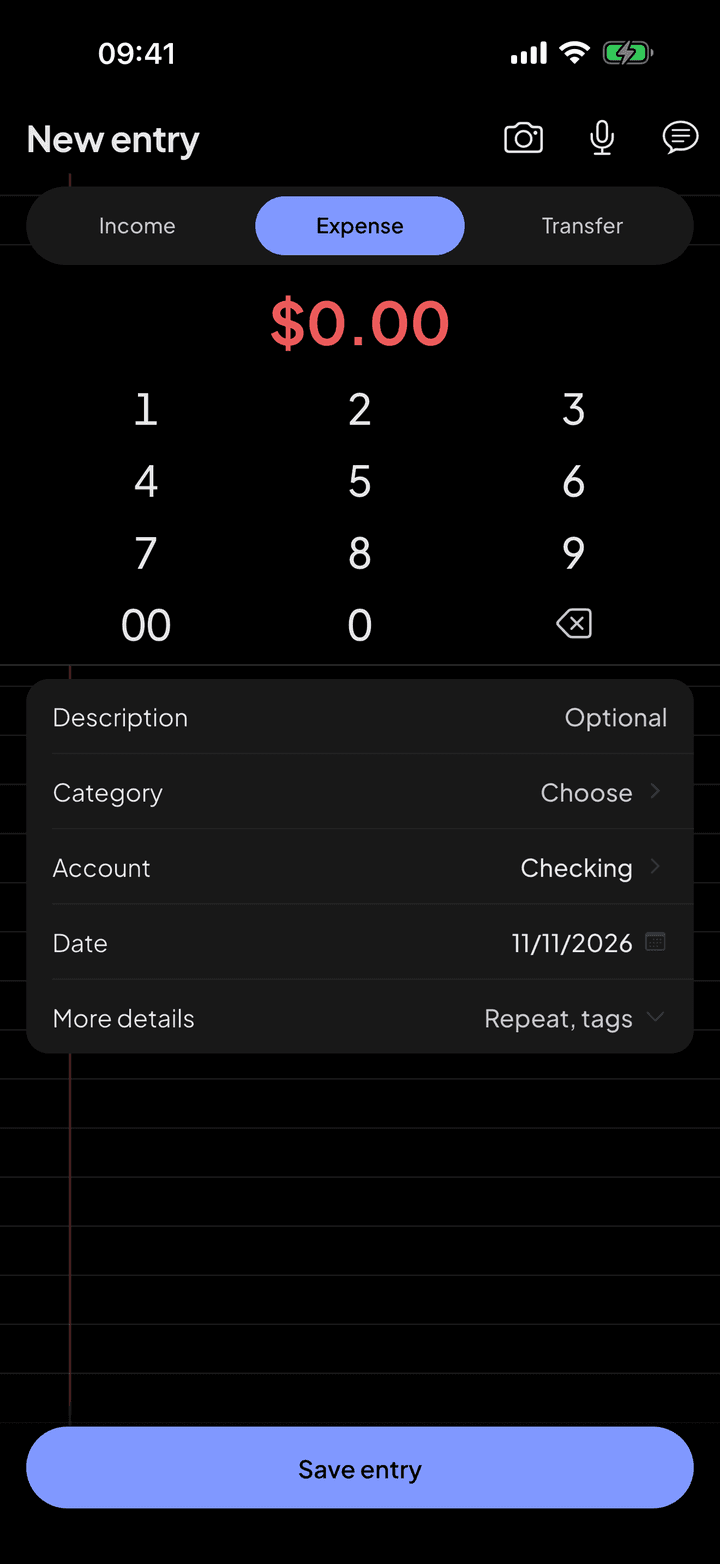
What does not come in the file you log in seconds.
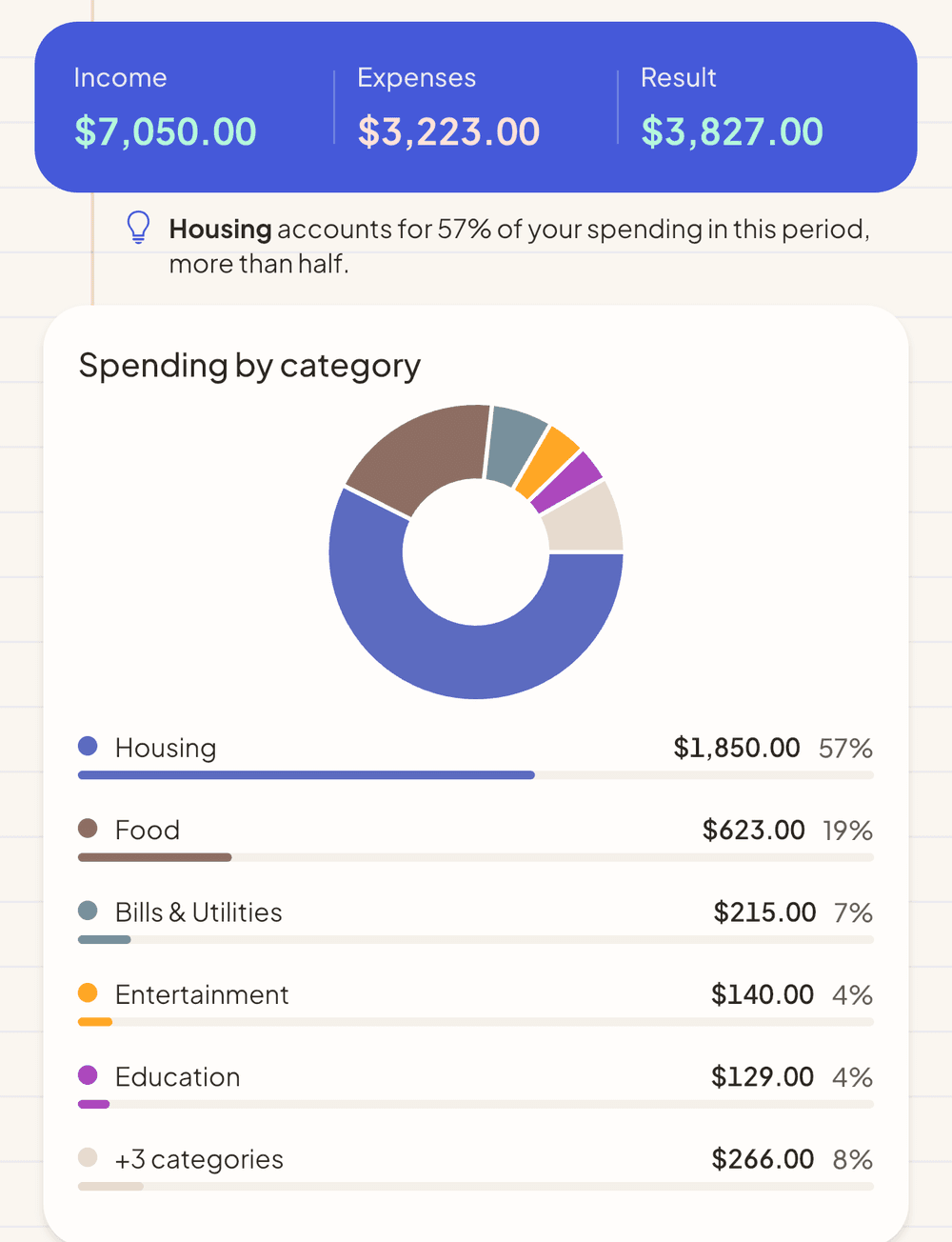
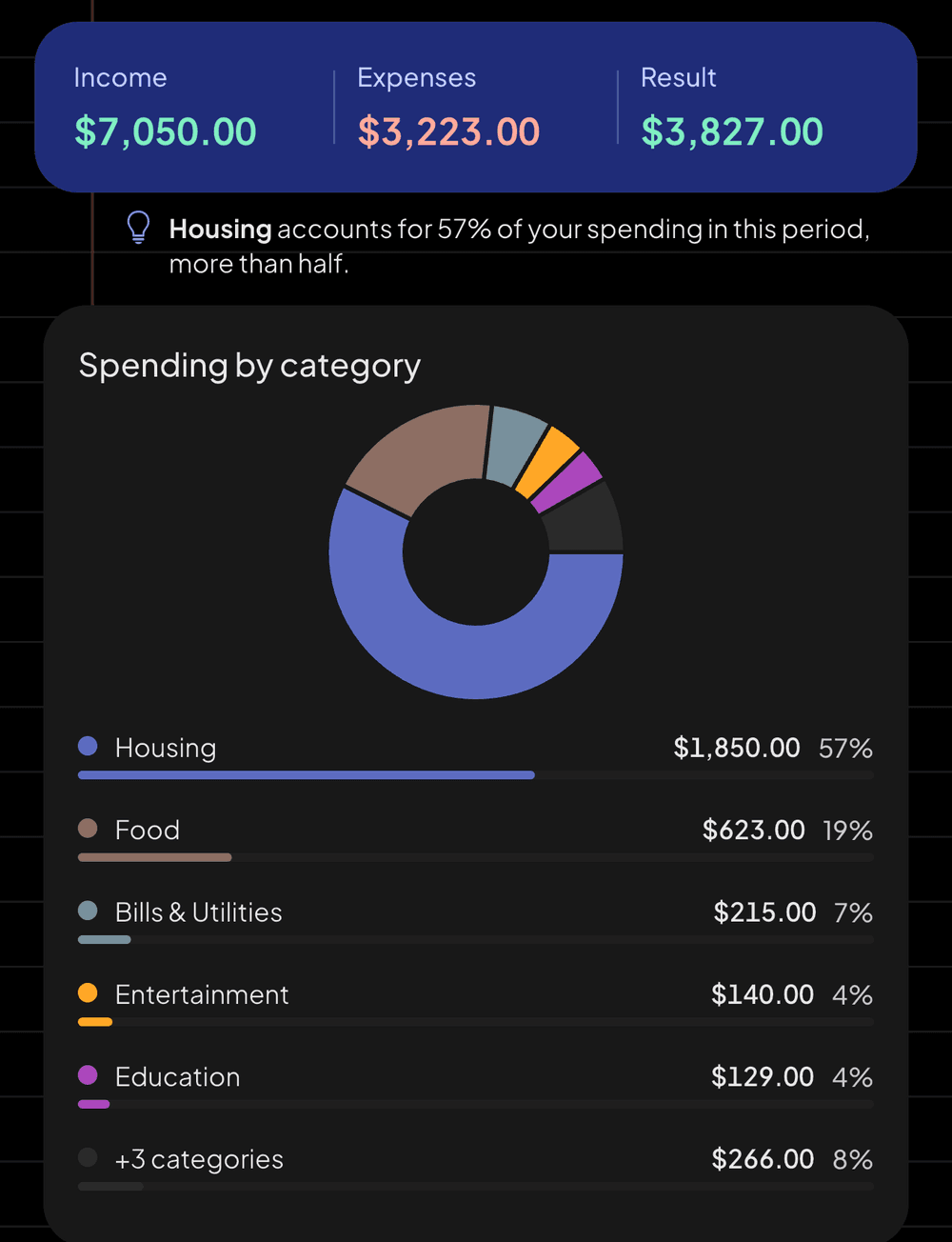
With everything categorized, the month's report shows where the money went.
Categories without the effort
The app remembers the category of each merchant from what you logged before, and accepts keyword rules: anything with "Starbucks" goes to Food. No AI involved, so it works on the free plan.
After importing
What repeats every month is suggested as a recurring expense, and the app offers to create budgets from the categories in the statement. It always asks first.
Questions
Why doesn't it connect straight to my bank?
Because that would require your login or a bank-linking service, and would send your whole statement to third parties all the time. With importing, you decide what comes in and when.
Is the statement PDF stored anywhere?
No. The file goes to our server only to be read, which passes it to the AI, and it is not kept after extraction.
Does it work with my bank?
If your bank lets you download activity as CSV, OFX or QFX, it works. Reading PDFs with AI does not depend on a specific bank layout. The import guide inside the app lists the exact path for the biggest US banks.
See also
Credit card and statement
Set the credit limit, the closing day and the due day. From then on, every purchase lands on the right statement, and installments show up in every month still to come.
AI assistant
Ask it your way, like you'd ask someone you trust. The assistant looks at what's in the app and answers with the figures from your month, without making up data and without trying to sell you anything.
Budgets and goals
Say how much you want to spend in each category and how much you want to save for each goal. The app tracks both and warns you before you go off plan.



Start with the next purchase.
Free on iPhone and Android. Pro is $3.99 a month, with a 7-day free trial.
Point your iPhone camera here.
Point your Android camera here.