
An assistant that answers with your own numbers
Ask it your way, like you'd ask someone you trust. The assistant looks at what's in the app and answers with the figures from your month, without making up data and without trying to sell you anything.
Pro, $3.99 a month, with a 7-day free trial


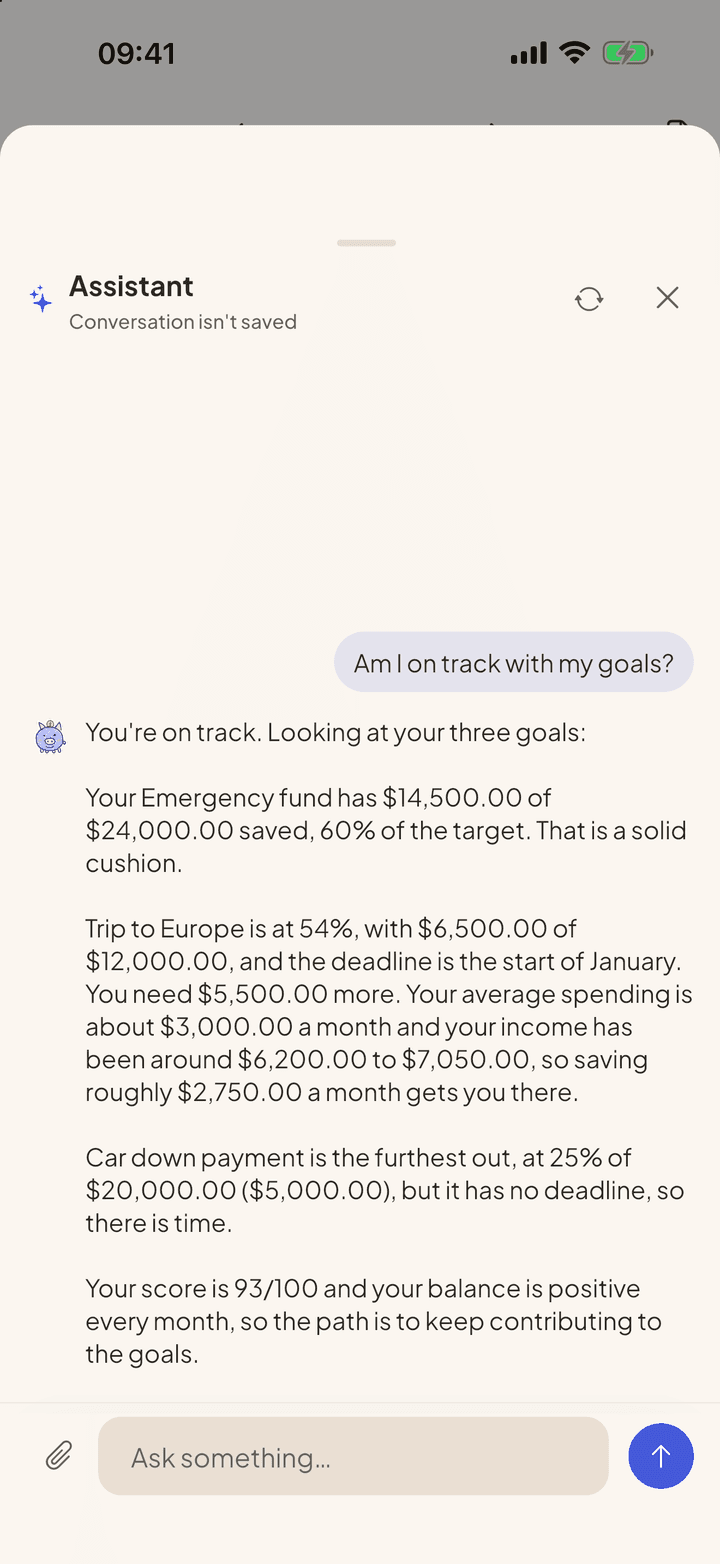
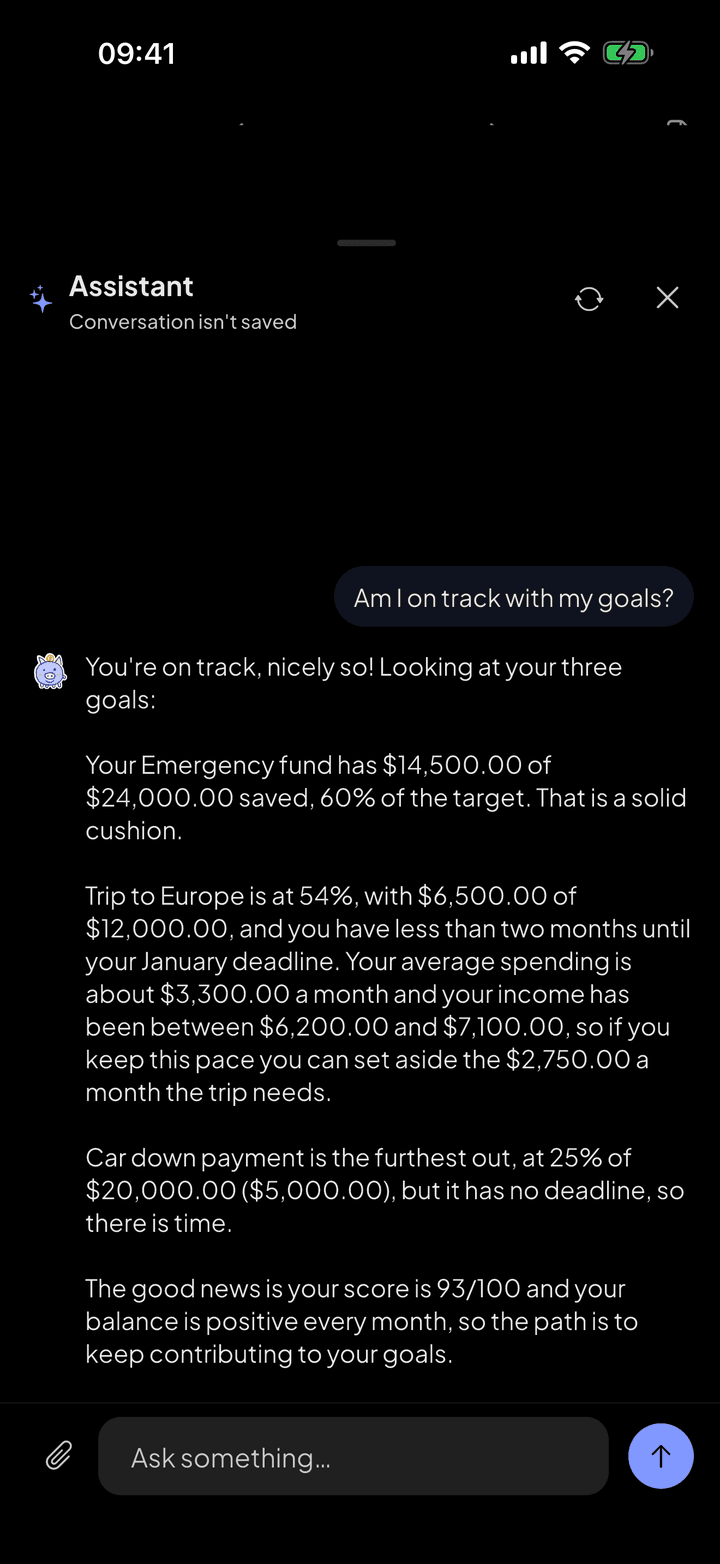
It already knows your month
Every conversation starts with a summary of the current month and the three before it: income, spending by category, the balance of each account, statements, goals, budgets and the score. When a question goes beyond that, it looks it up in the app.
- Totals for any month or period, with the detail by category
- The balance of each account today or on a date in the past
- Credit card statements and how much of the limit is committed
- The biggest expenses in a period
- Search by merchant: everything you spent at Chipotle since June
What it does not do
The assistant only reads. It does not create, edit or delete entries. It does not recommend investments, banks, brokerages or loans, and it does not say which financial decision is best: it helps organize the numbers so you can decide. If the data is missing, it says so instead of guessing.
On screen
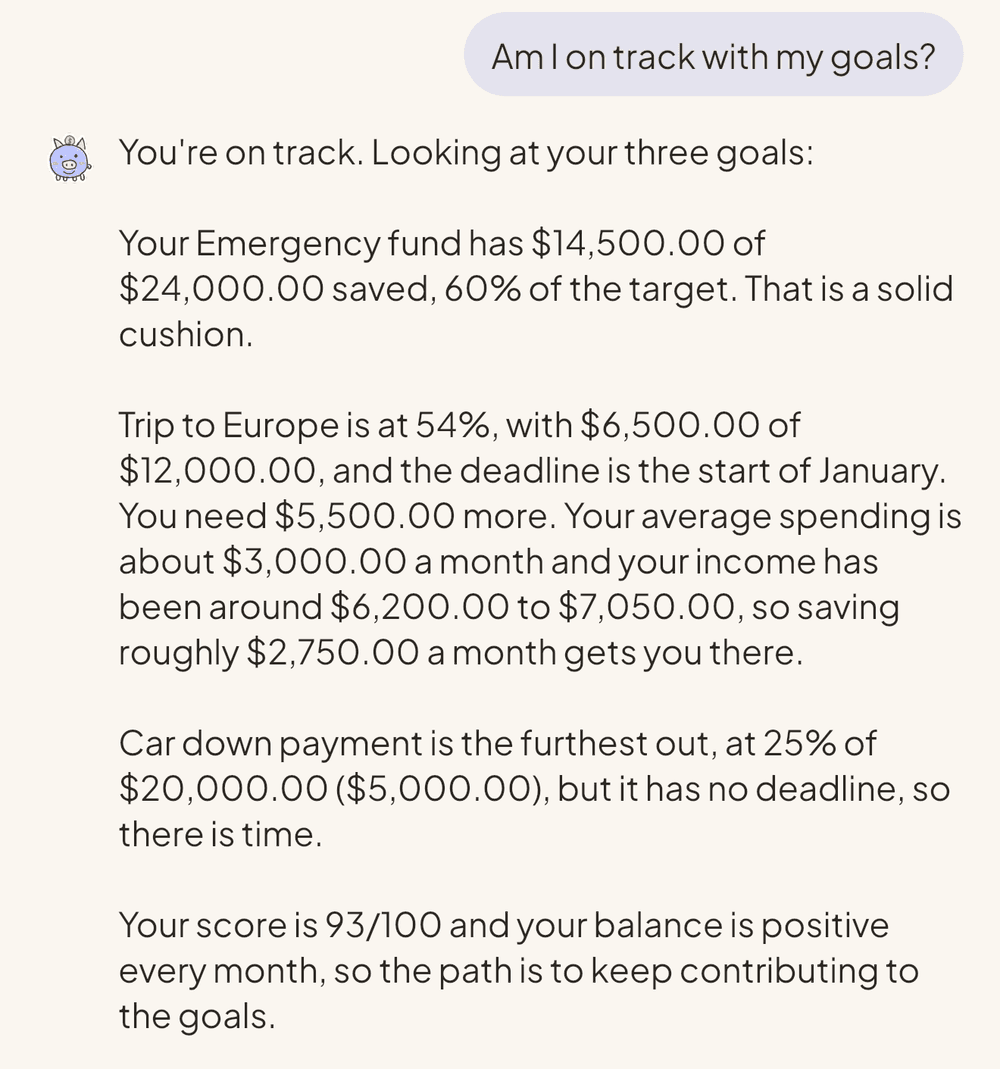
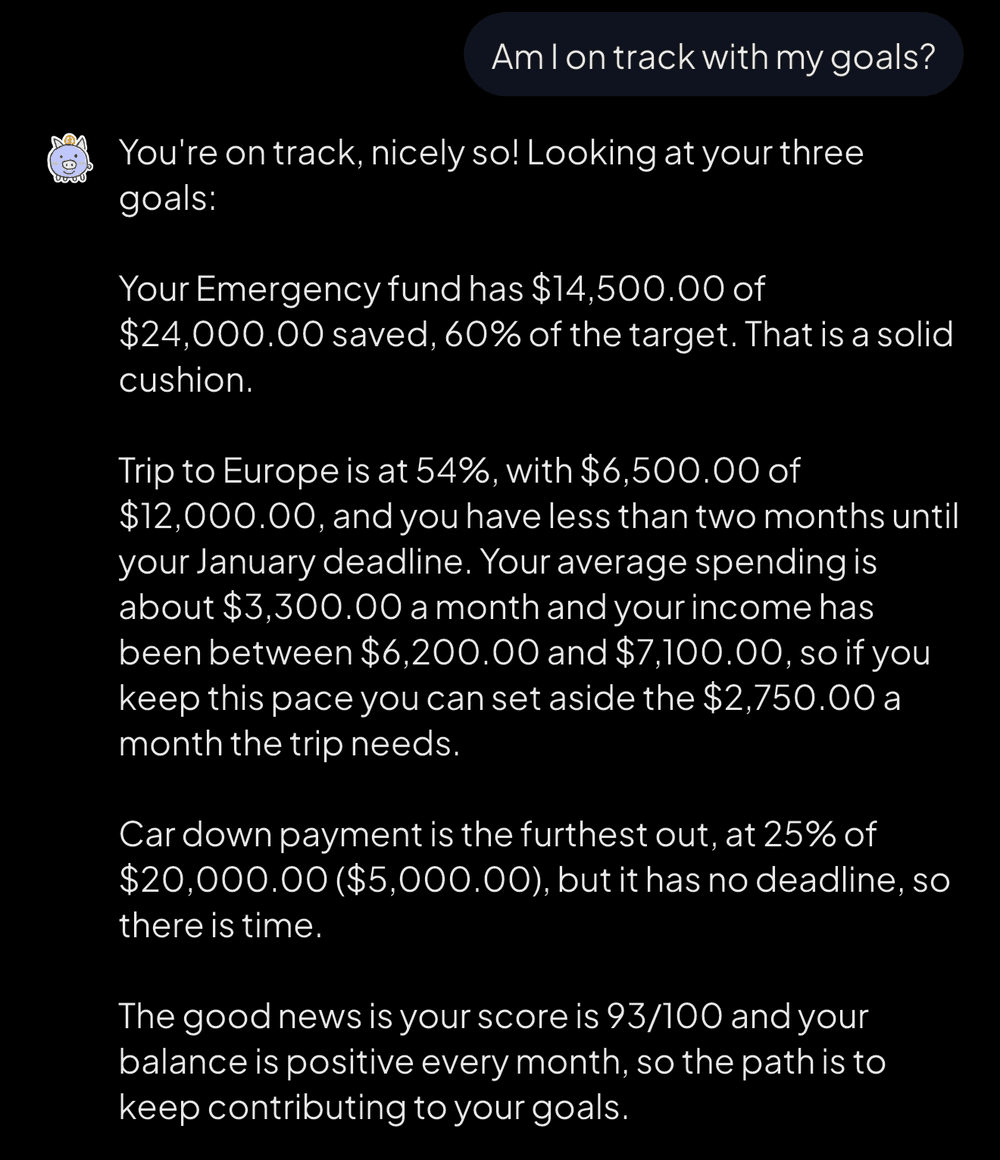
The answer comes with your month's figures: how much is left for each goal and how much to save. 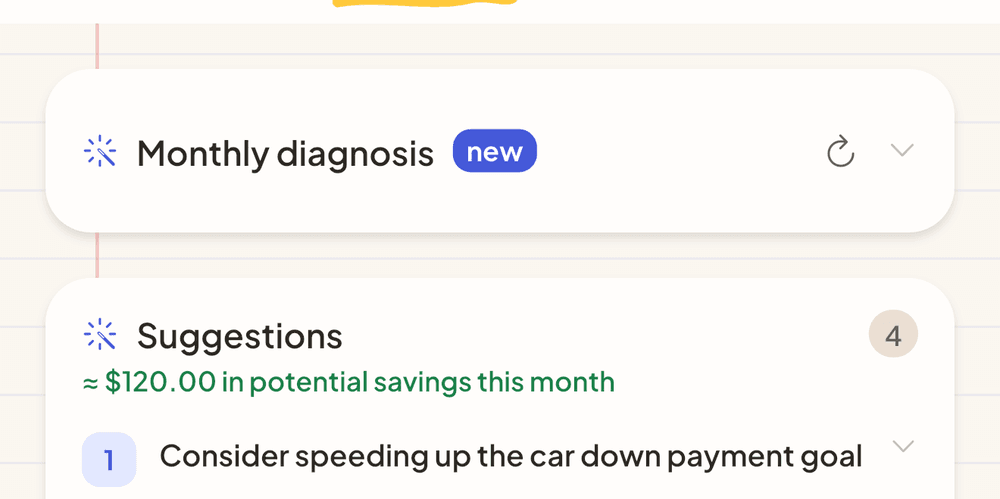
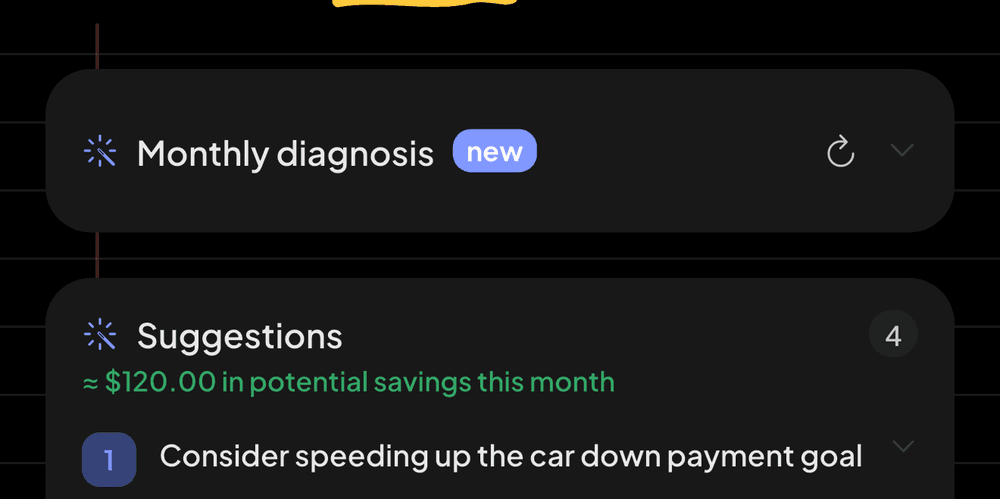
The month's diagnosis sits at the top of the app, with suggestions in priority order. 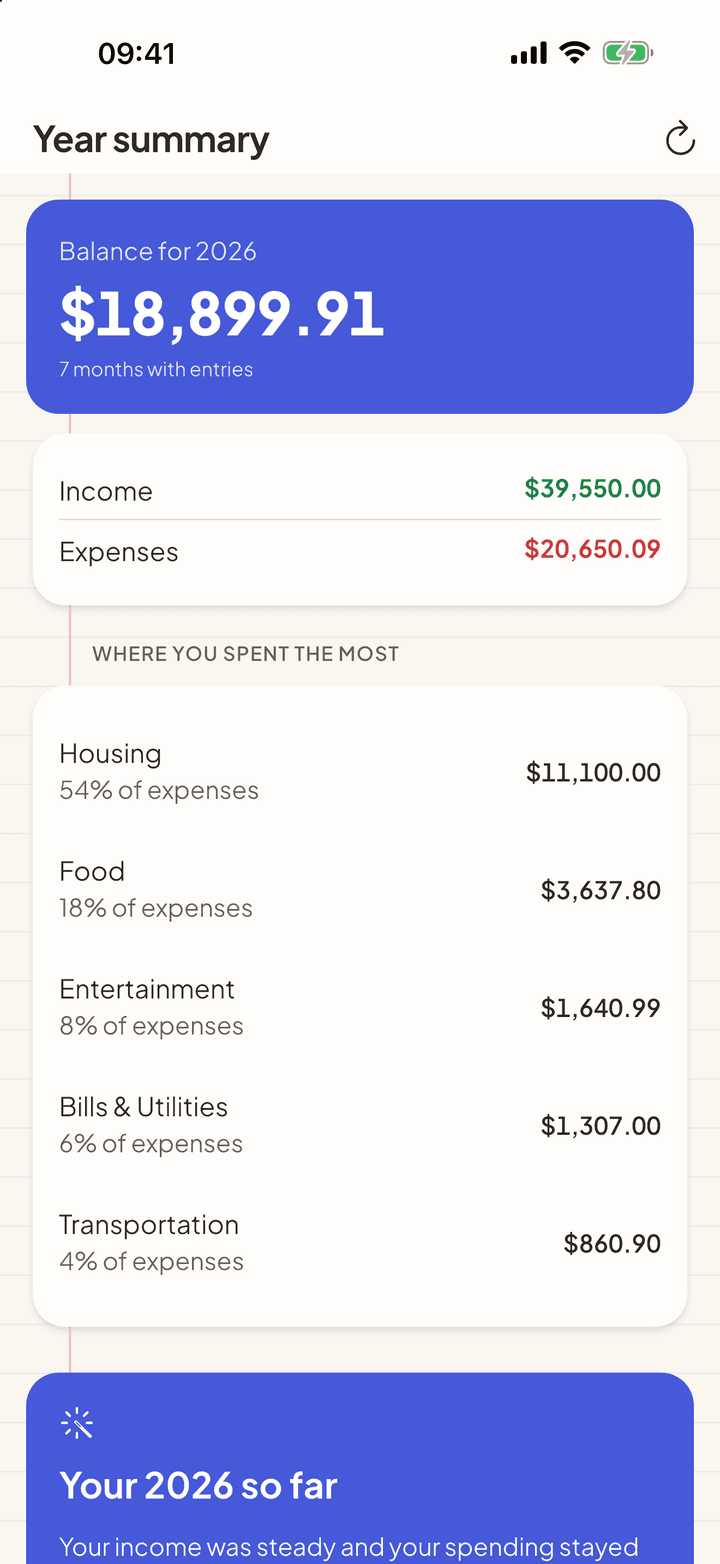
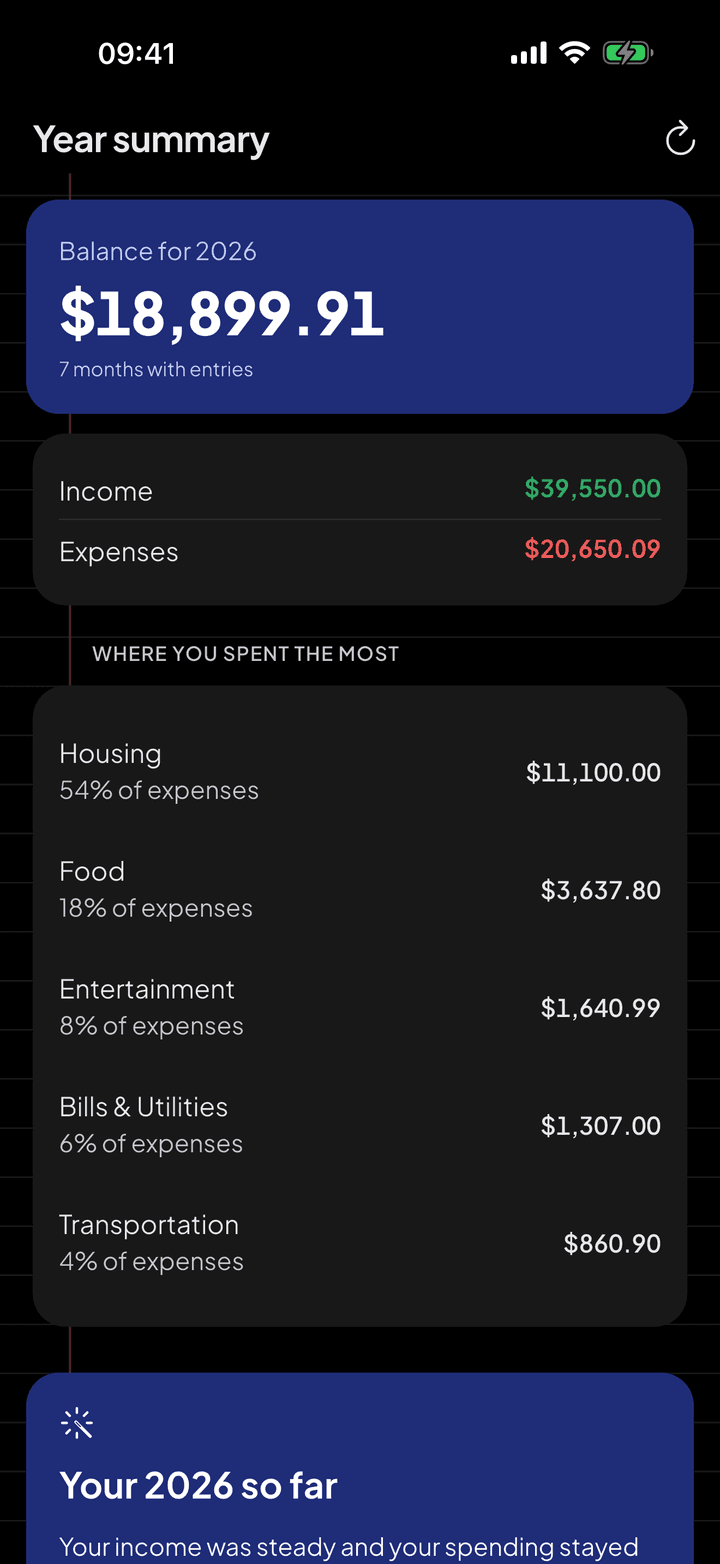
At the end of the year, a summary of what changed from the one before.
The month's diagnosis
Besides the conversation, every month Pro generates a written diagnosis: what stood out, 3 to 5 suggestions in priority order, alerts for spending outside your pattern or a forgotten subscription, and a forecast of how the month is likely to close.
What goes to the AI
Before the first use, the app asks for your consent and explains what will be sent. The AI is Claude, from Anthropic, which does not use this data to train models. The diagnosis receives totals by category. The assistant can read the description and amount of an entry when the question calls for it. The conversation is not saved in the app.
Questions
Can I send a statement through the chat?
Yes. Attach the PDF to the conversation and it goes through the same reading as the import, with the review screen before anything is saved.
Does it work offline?
No. The assistant and the diagnosis need a connection. The rest of the app, the score included, works offline.
What if it misunderstands the question?
On an ambiguous question ("this month" when it isn't clear which), it asks you to clarify before answering. The figures always come from the app, not from an AI estimate.
See also
Financial Health Score
The Financial Health Score sums up the month in one number and shows where it comes from. It is calculated on your iPhone, with no AI, using fixed rules you can check.
Import statements
Download the activity file from your bank and open it in My Two Cents. The entries arrive categorized, you review them and confirm.
Your data, protected
A money app knows a lot about you. That is why My Two Cents works without an account, never asks for a bank login and explains, before every upload, what leaves your device.



Start with the next purchase.
Free on iPhone and Android. Pro is $3.99 a month, with a 7-day free trial.
Point your iPhone camera here.
Point your Android camera here.